
News
Section 179 and Bonus Depreciation in 2026: Writing Off a Flight Simulator
RealSimGear Returns to FLYING Magazine: Cirrus Mission Ready on the SR7x Pro
What is RealSimGear Signature Support?
We just shipped our 200th SR7x
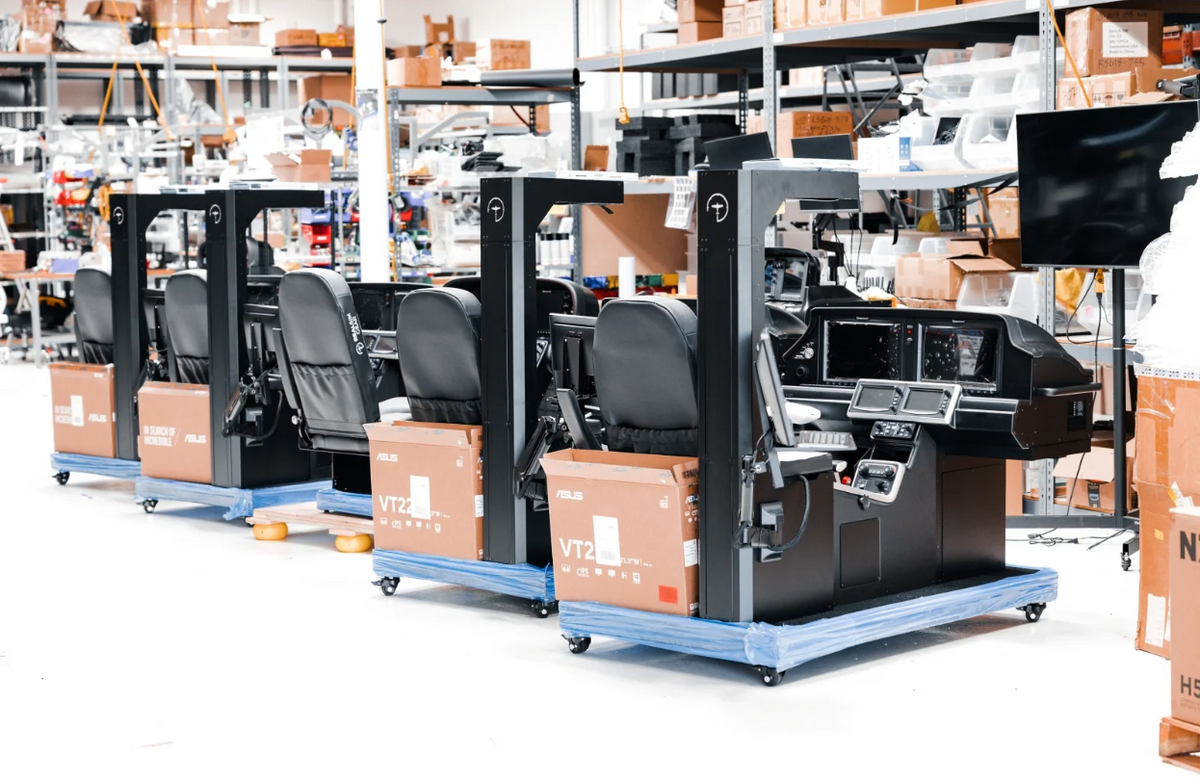
In September 2026, the 200th SR7x left our San Diego facility. Two hundred Cirrus SR G7-specific cockpits, built one at a time, now sit in homes, hangars, flight schools and training centers in more than 14 countries. Every one of them was hand built, individually commissioned and test flown before it shipped. After delivery, our servers keep the avionics software and navigation databases current, and our Support Team tracks every SR7x in the field so it’s ready when a pilot or instructor needs it. Here’s how we earn the trust behind those 200 simulators, and what comes next.
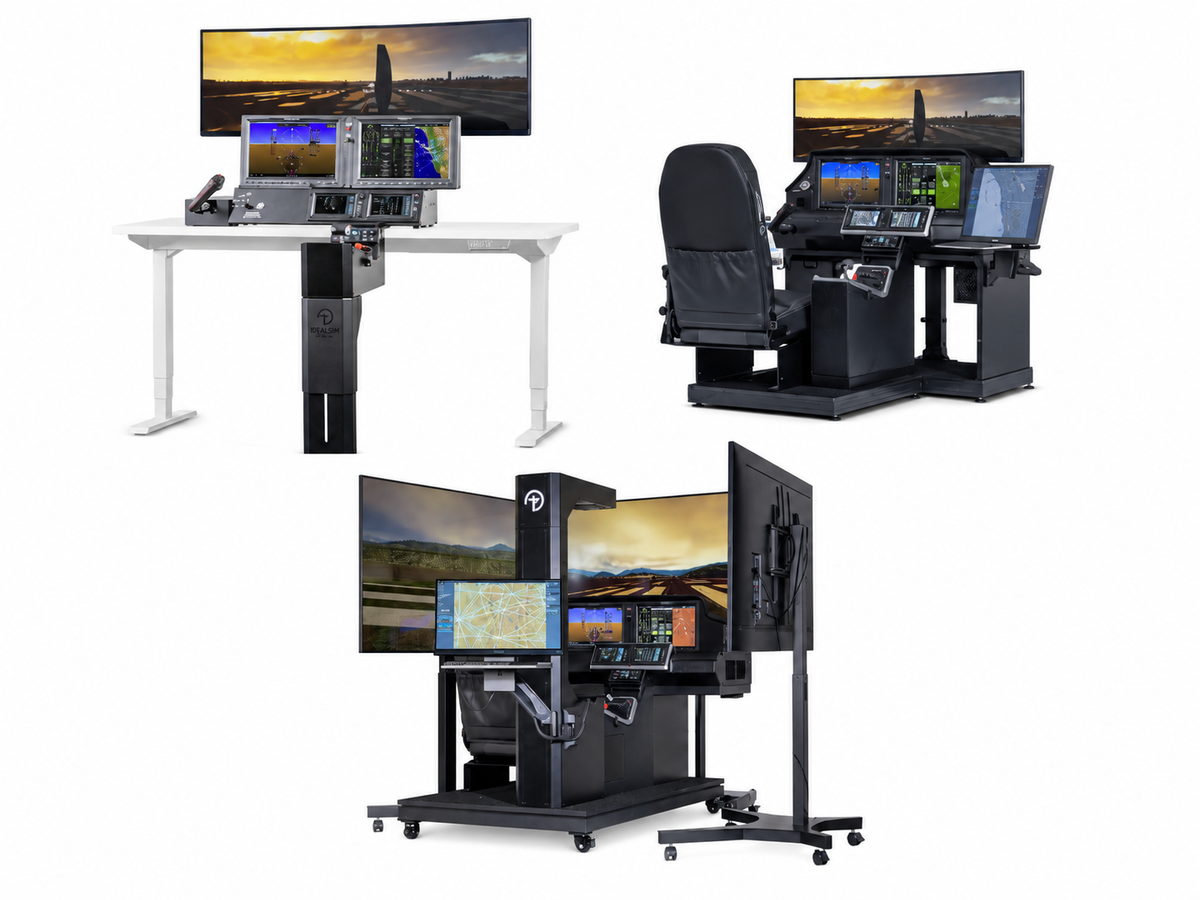
SR7x Desktop vs Home vs Pro: which Cirrus simulator is right for you?
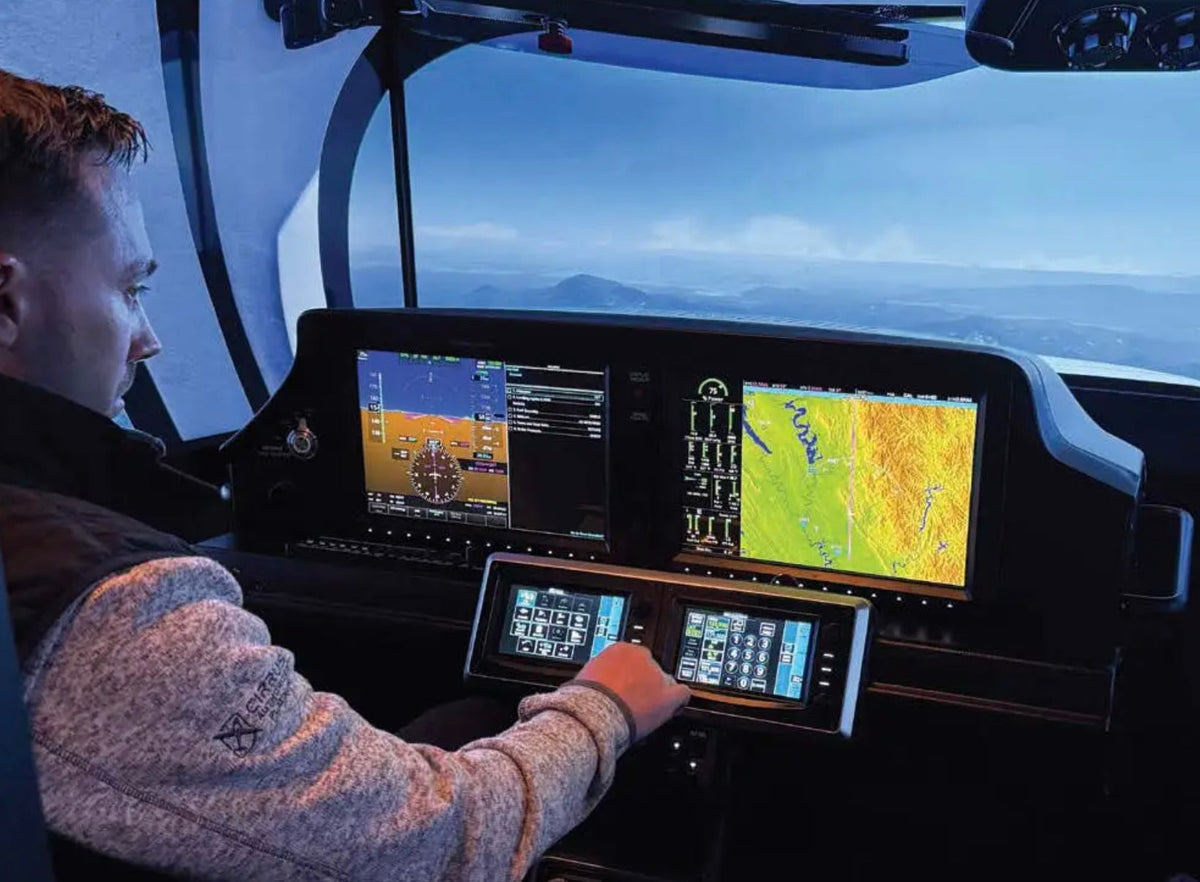
Choosing between the SR7x Desktop, Home and Pro? All three run the same RealSimGear Onboard Avionics Platform and emulated G3000, with replica Perspective Touch+ avionics and SR20, SR22 and SR22T support. What changes is scale, controls and whether you can log the time. The Desktop, from $16,995, is a compact procedures trainer. The Home, from $35,995, is a full-scale cockpit that ships as an FAA-approved BATD. The Pro, from $62,795, adds a commercial-grade platform, white-glove installation and FAA AATD approval. We compare all three side by side and help you pick the right one.
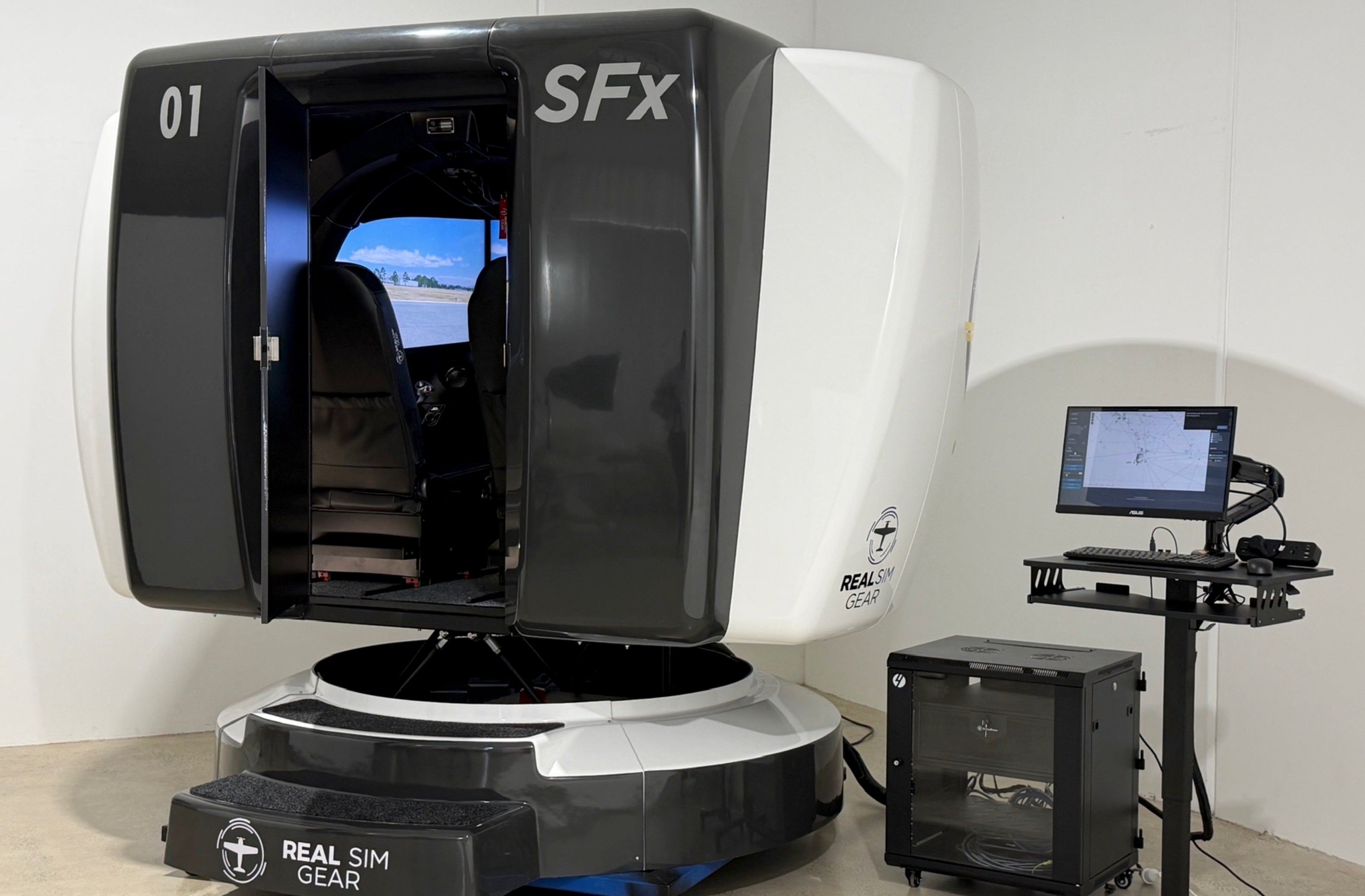
Why a Motion Skeptic Changed His Mind: Inside the Vincennes University Aviation Flight Program
Vincennes University's legacy simulators had a motion option that lagged and never felt right, so the program stopped using it. They then flew a RealSimGear SR7x Pro on a 6 DOF platform, pulled the CAPS handle, and immediatley changed their mind about motion in simulation. Vincennes is now standing up a six-device lab, five of them on motion: four SR7x Pro for its Cirrus SR20 G7 fleet, a PSx Pro Seminole, and an SFx Premier Vision Jet for Crew Resource Management. Six months in, roughly 40% of instrument training has moved into the simulator at $75 an hour against $230 in the aircraft.
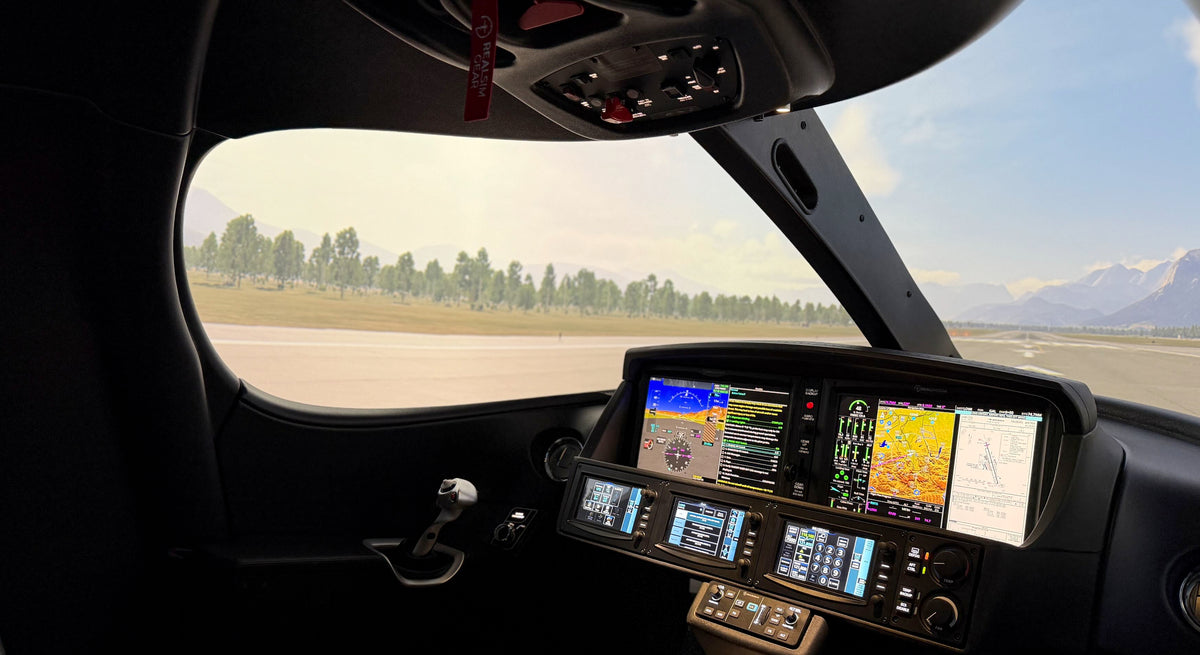
Introducing the RealSimGear SFx Premier
RealSimGear has launched the SFx Premier, a complete replica Cirrus SF50 Vision Jet cabin built around its existing SFx flight deck. The cabin recreates the full window frame for use with wraparound visual systems, and adds a second seat with co-pilot side force feedback stick, a live CAPS and emergency overhead panel with oxygen mask pockets and map lights, and an integrated instructor camera for crew resource management training. The Premier Motion configuration mounts the same cabin, fully enclosed, on a commercial-grade 6DOF platform. SFx Premier starts at US$249,000; Premier Motion configurations from US$399,000. AATD approval is currently being sought.
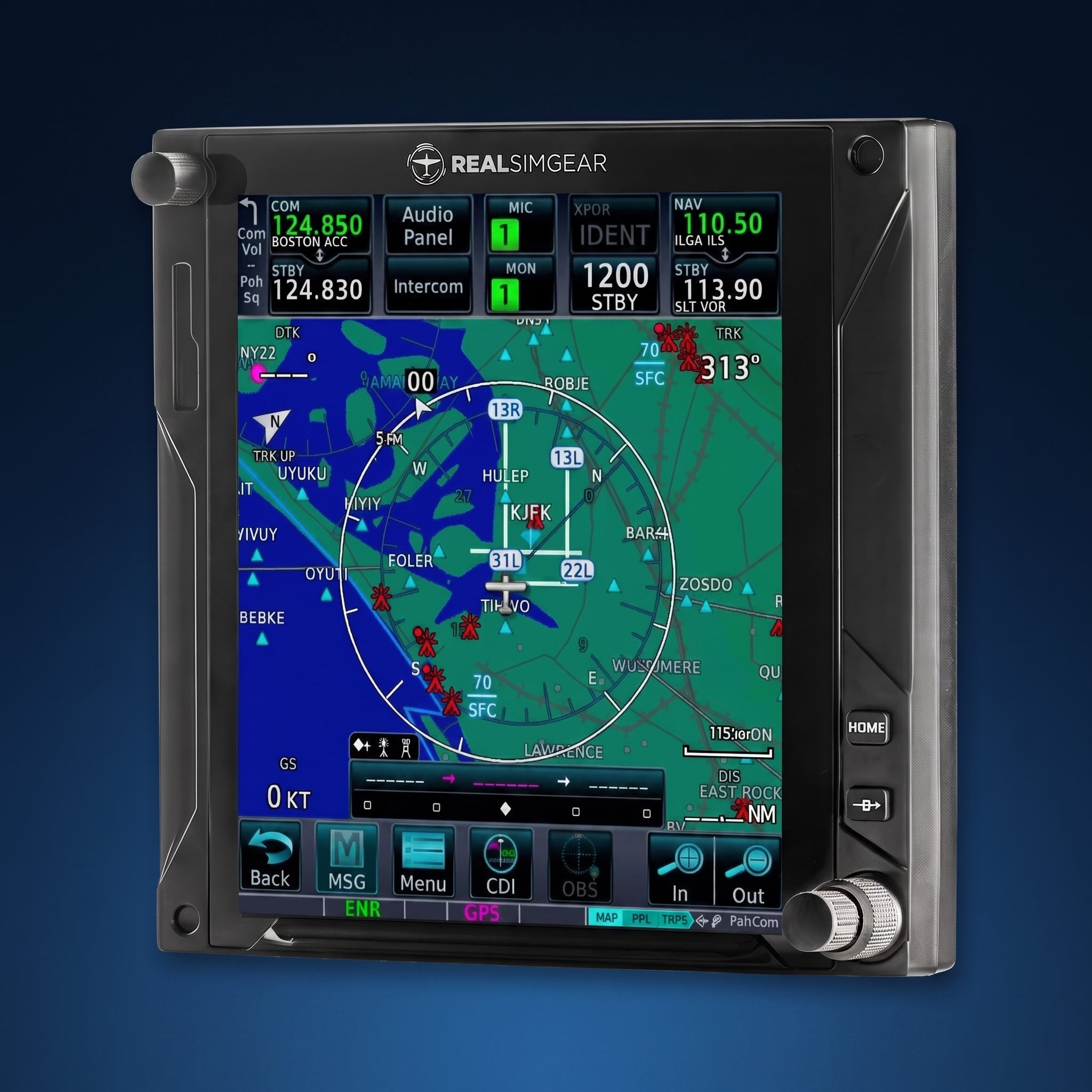
The All-New GTN750xi: A Real Touchscreen Navigator for Your Home Cockpit
Update 5: Jeppesen Worldwide Charts* Synthetic Vision and more!
Jeppesen Worldwide Charts for the SR7x & SFx Simulators
Synthetic Vision for the SR7x and SFx Simulators

RSG Apple Vision Pro Announcement

RealSimGear SR7x Pro Featured in Flying Magazine's November Issue
Flying Magazine’s November 2025 issue features an in-depth review of the RealSimGear SR7x Pro, calling it a game-changer for Cirrus flight training. Aviation journalist Sean Siff flew the SR7x at Mike Goulian Aviation and praised its realism, FAA-approved loggable hours, and immersive avionics. With triple-screen visuals, a full CAPS deployment, and precise G7 avionics, the SR7x delivers hands-on training that closely mirrors real-world flying. Built for serious pilots and flight schools, this simulator offers unmatched value for IFR and scenario-based training. Read why it’s quickly becoming the go-to choice for Cirrus owners and instructors across the country.

Fall 2025 Update: Major Advancements for OAP G3000 Avionics

Cirrus Training at Home: How Desktop Sims Build Real Proficiency
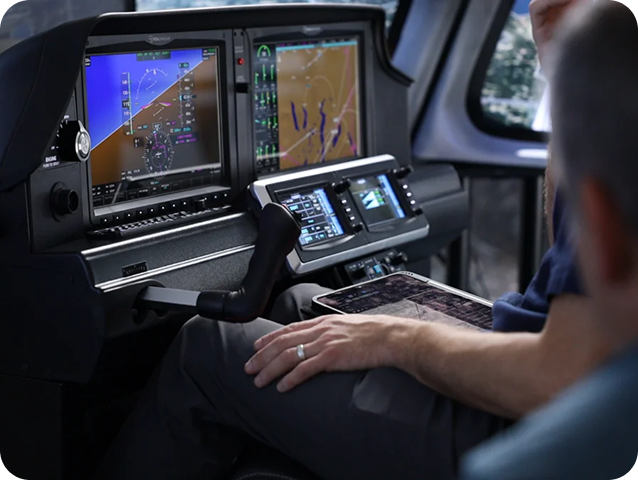
Forget generic sims. This setup mirrors the real Cirrus G7 cockpit — G2000 avionics, real tactile switches, force-feedback yoke, and touchscreen GTC controls. You can run flows, emergency drills, IFR approaches, even talk on the radio using PilotEdge or SayIntentions AI. All from your desk.
Practice like it counts. Because it does.