

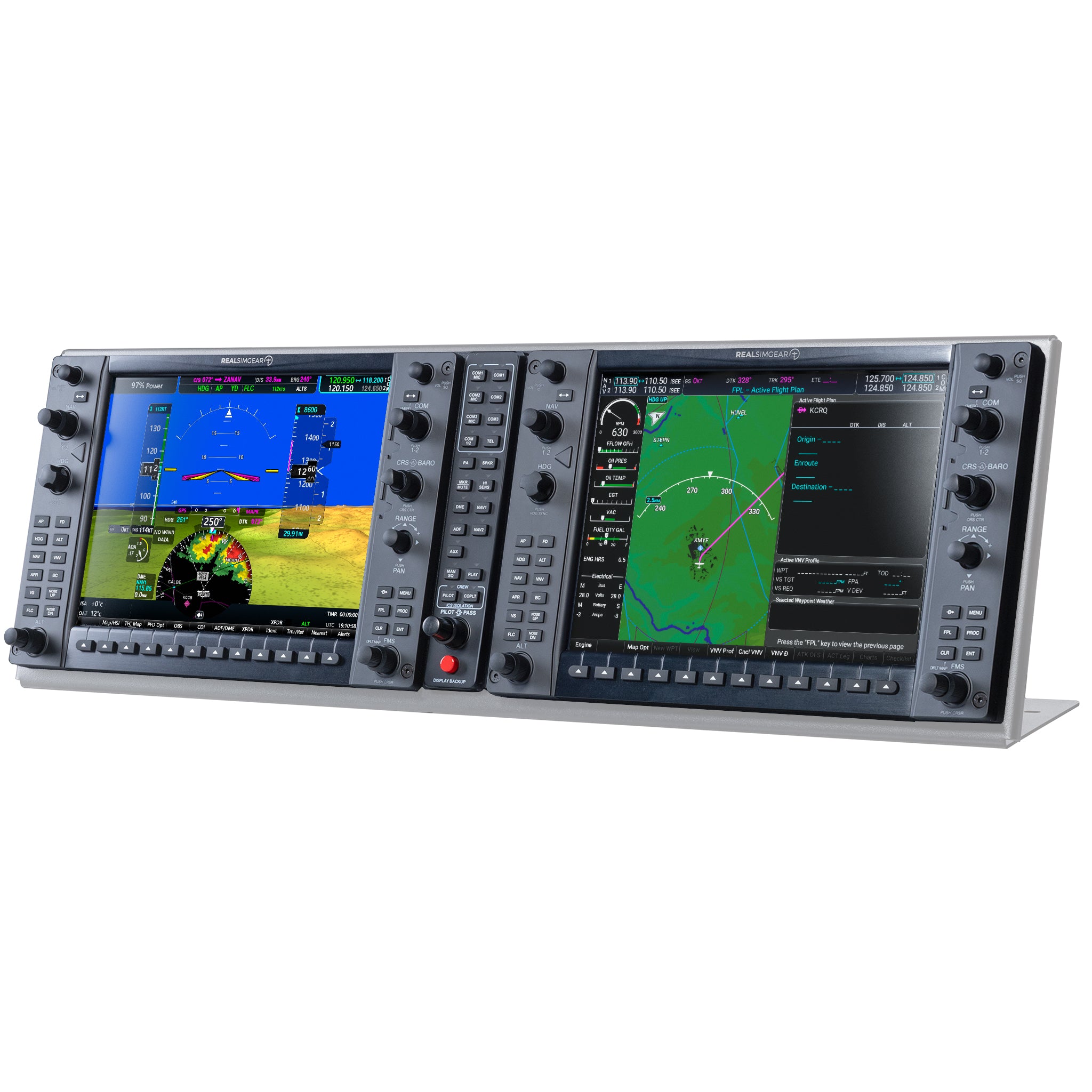
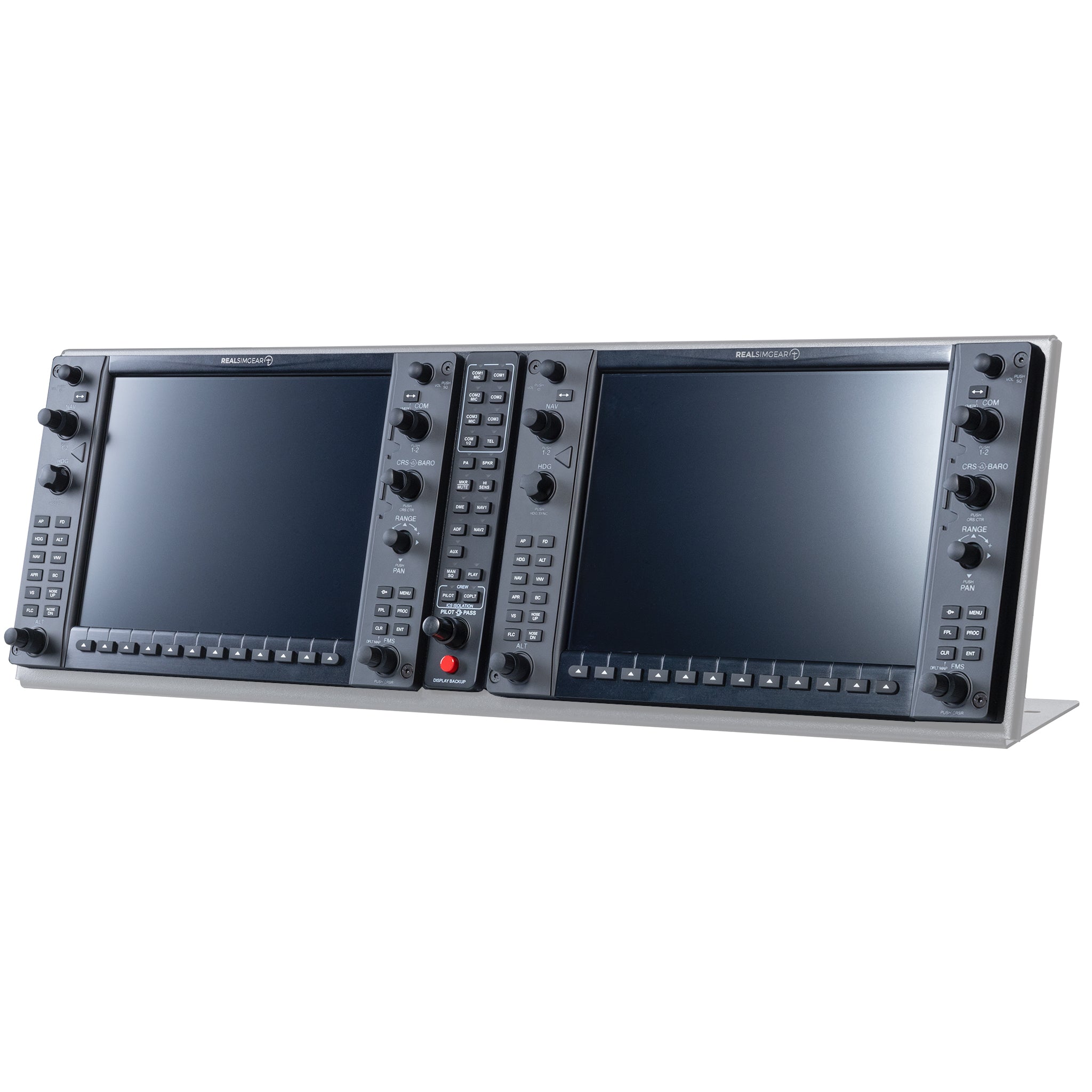
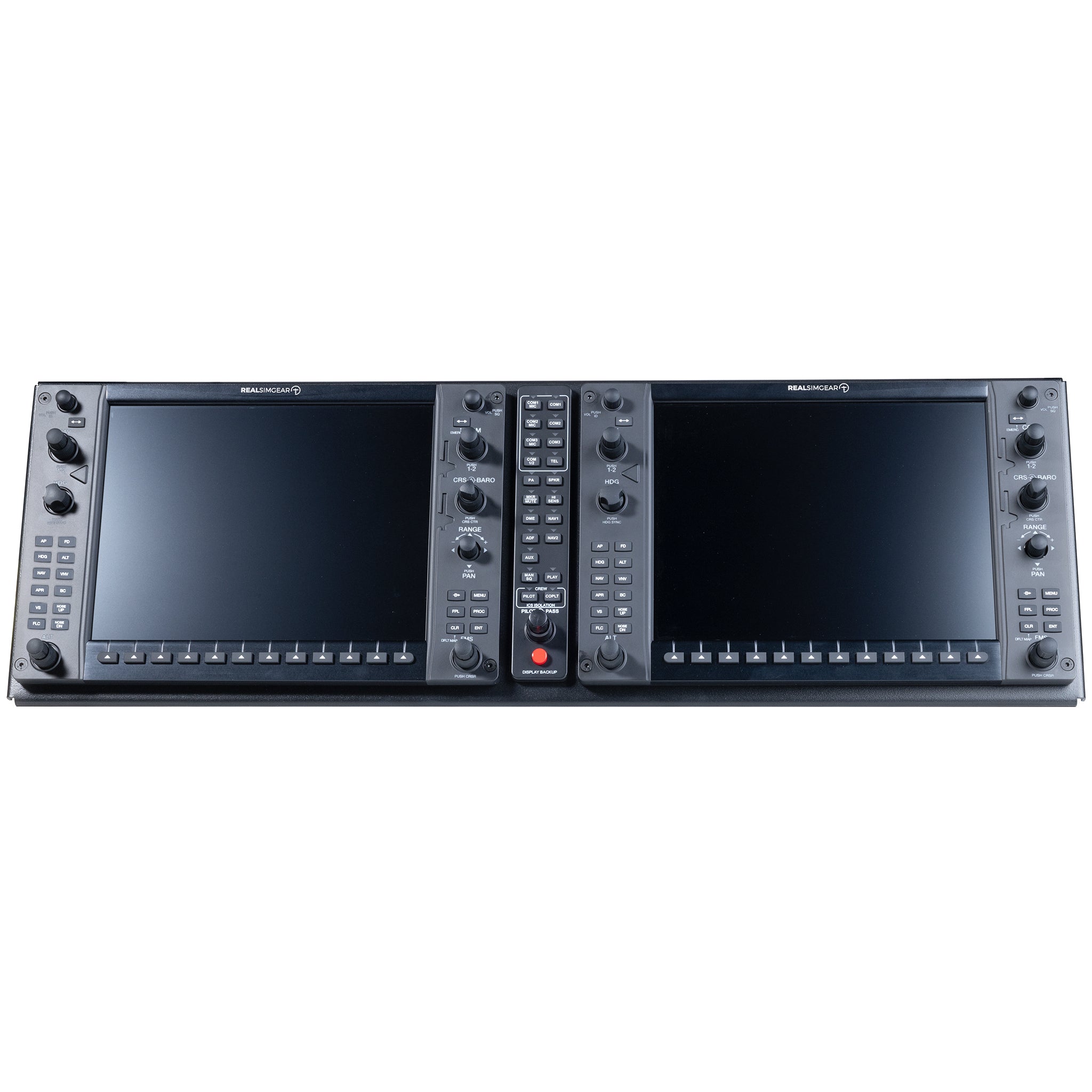
RealSimGear G1000 Premium Suite
Description
New updated design.
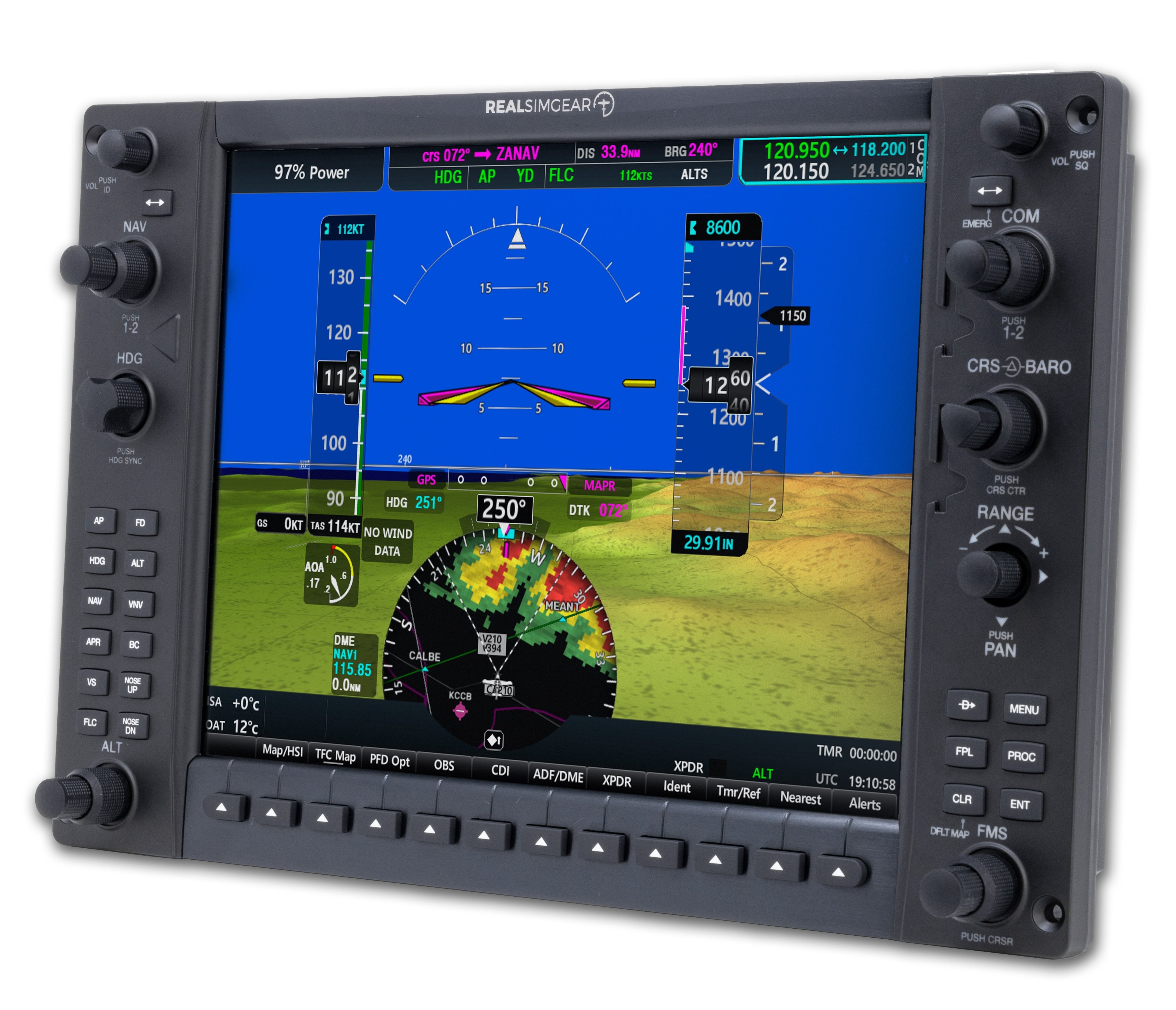
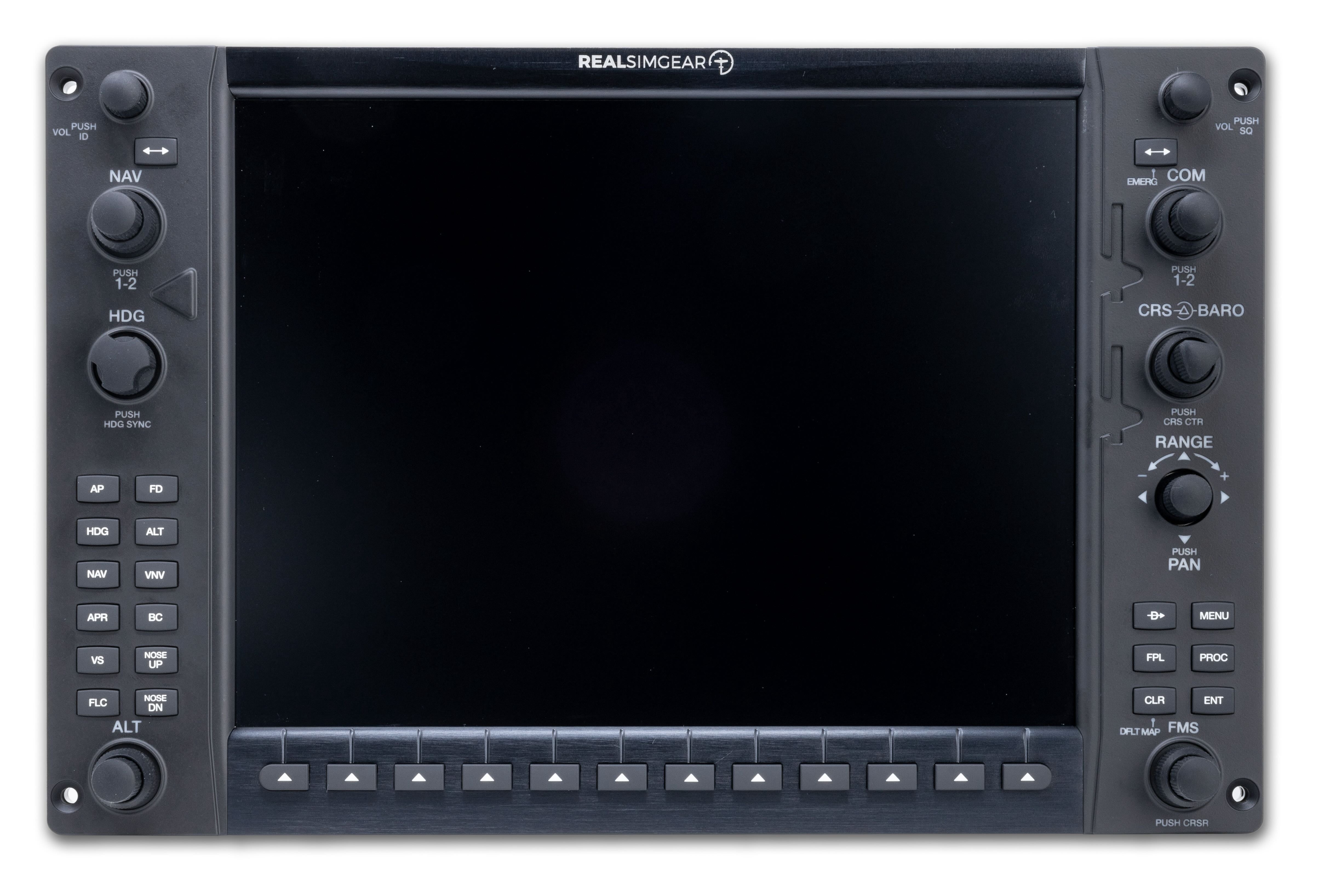
The G1000 Premium Suite delivers a full dual-display G1000 hardware configuration designed to replicate the look, feel, and workflows of Garmin’s G1000 avionics. Featuring updated display presentation, faster response, and refined control interaction, the suite provides a more modern and realistic training environment compared to legacy G1000 setups.
Built with RealSimGear’s premium hardware components, including high-resolution LCDs, Garmin-style rotary encoders, and metal bezel construction, the G1000 Premium Suite integrates seamlessly with X-Plane–based G1000 aircraft. It is ideal for advanced home cockpits, training devices, and custom simulator installations that require accurate procedures practice and contemporary avionics behavior.
Compatibility
In the Box
Built For Daily Use
Ships in 1-2 days
X-Plane & MSFS Compatible
Pairs well with
RealSimGear G1000 Premium Suite
If you have any questions, you are always welcome to contact us. We'll get back to you as soon as possible, within 24 hours on weekdays.
-
Shipping Information
Use this text to answer questions in as much detail as possible for your customers.
-
Customer Support
Use this text to answer questions in as much detail as possible for your customers.
-
FAQ’s
Use this text to answer questions in as much detail as possible for your customers.
-
Contact Us
Use this text to answer questions in as much detail as possible for your customers.
FAQs
Please read our FAQs page to find out more.