

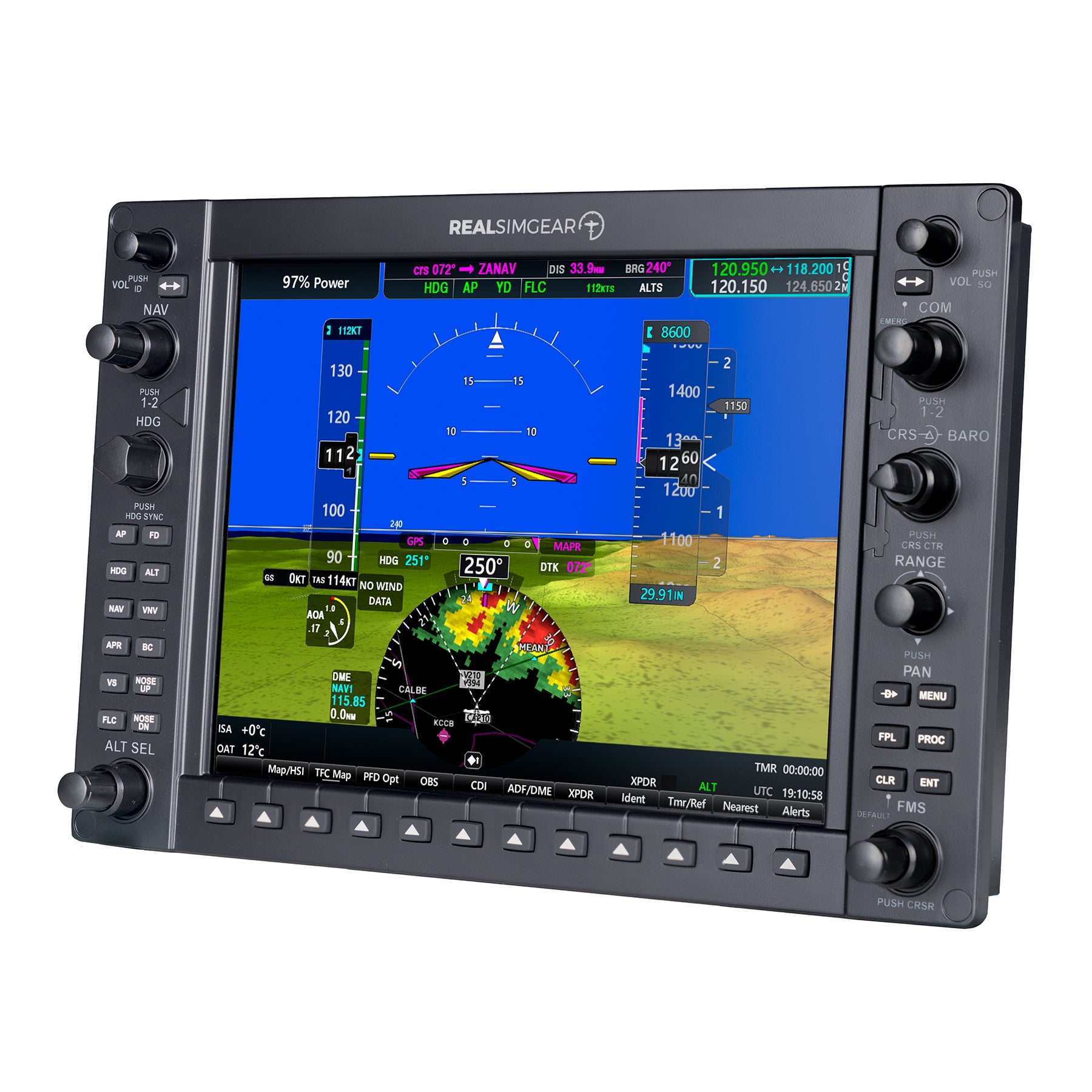
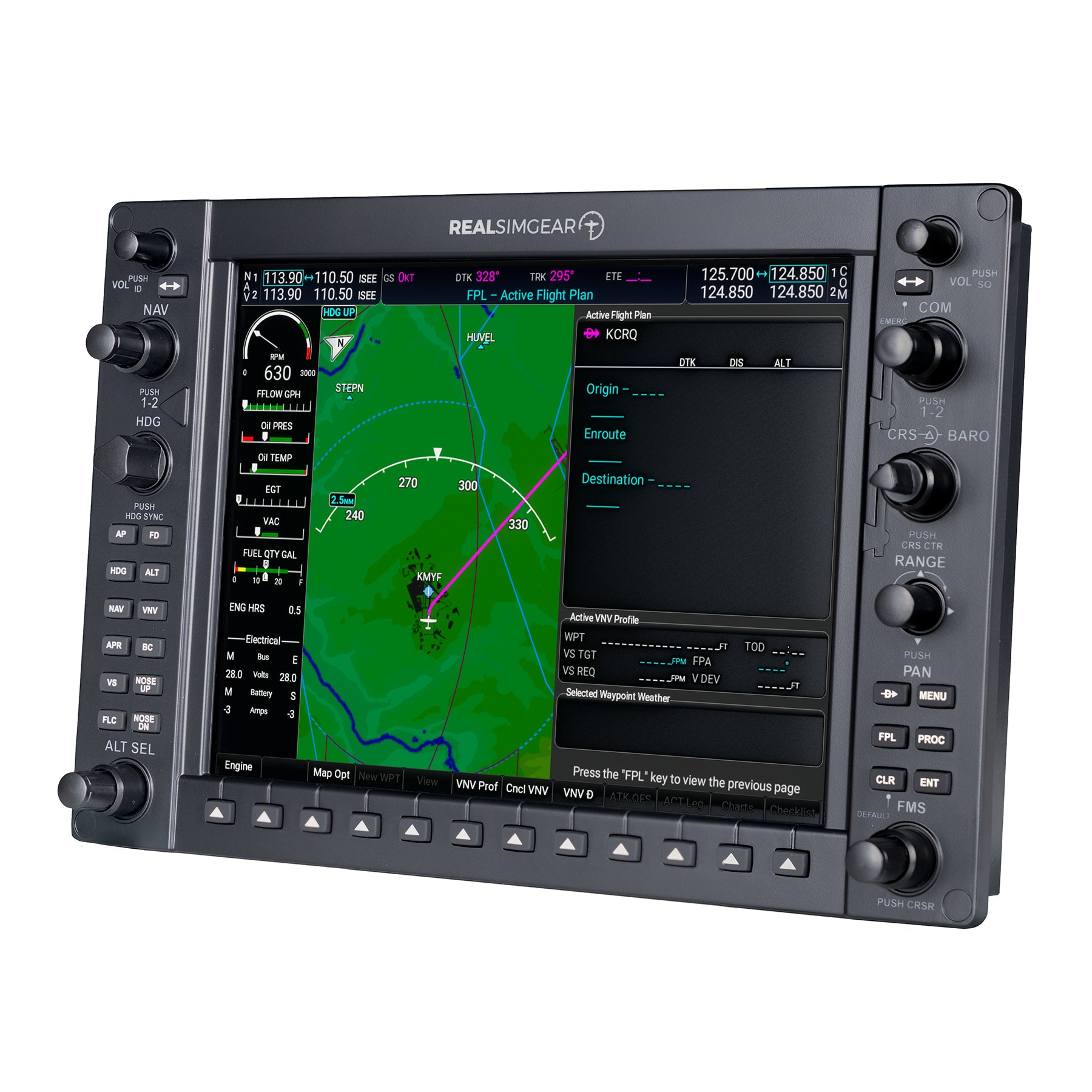
RealSimGear G1000 PFD/MFD Module
The RealSimGear G1000 PFD/MFD Module is a high quality, ultra realistic hardware interface for your flight simulator and is the most affordable, highest quality, and most realistic G1000 simulation system available. The unit contains a dedicated IPS 10.4" wide view angle, high quality HDMI display with 1024x768 resolution, along with ultra-realistic backlit silicone rubber buttons and high quality tactile knobs for an authentic training experience.
Compatibility
-
Works with X-Plane v11/12 (Windows only — NO Mac support)
-
Works with Microsoft Flight Simulator 2020 and 2024 (PC version only)
Connection and setup
-
Simple USB and HDMI connection to your PC
-
Comes pre-loaded with RealSimGear drivers for easy plug and play operation (no configuration required)
-
If you do not have a spare HDMI connection on your PC, consider a HDMI to USB-3 adapter
Mounting
-
Can be easily mounted into an existing panel or used with the RealSimGear desktop stand
-
Note: the desktop stand is not included. This product will not stand up on its own—it must be stand or panel mounted.
In the Box
-
1x RealSimGear G1000 XFD Modules
-
1x USB cables
-
1x 12v DC Power Pack (North American plug style)
-
Quick Start Guide
Cable requirement
-
Note: You will need 1x HDMI cable (not supplied). You will need to purchase an HDMI cable separately to match the available video port on your computer.
The G1000 PFD/MFD module works with any G1000 equipped aircraft included with or designed to work with X-Plane 11 or 12 (Windows only, not compatible with Mac versions of X-Plane).
It will also work with any G1000 equipped aircraft in Microsoft Flight Simulator 2020 and 2024. (Not compatible with the Xbox versions of Microsoft Flight Simulator 2020/2024)
WE ALSO PROVIDE A FREE X-Plane PLUG IN FOR STREAMLINED SCREEN CONFIGURATION FOR SEVERAL THIRD PARTY G1000 EQUIPPED AIRCRAFT. READ MORE ABOUT THIS HERE.
- 1x RealSimGear G1000 XFD Modules
- 1x USB cables
- 1x 12v DC Power Pack - North American plug style
- Quick Start Guide
PLEASE NOTE: You will need 1x HDMI cable - these are not supplied with the device but can be purchased separately.
Customer Reviews
- Reviews
- Questions
G1000 Suite
Great packaging, solid product with quality construction, components, and feel. Easy setup and use for MSFS with the downloaded software and pop-out manager. Will definitely be buying more from Real Sim Gear as my needs arise.
Very promising
Modules not installed in the final airclub sim cabin yet but look great with both XP12 and MSFS. No more mouse cursor to manage when in flight, this will provide us with a realistic training tool for our pilots. Excellent products.
G 1000 Units/Comms panel
Excellent! 5 Stars - Software Installation/ Functionality/ Appearance/ Shipping and Communication
Great product!
I love the product. Very impressive how well is replicates the G1000. Integration with X-Plane was also a breeze. My only negative feedback would be on the mounting experience. I mounted these to the VolairSim panel, which was a challenge in large part because the Volair Sim panel isn't machined as precisely as it needs to be. However, I also noticed provided RealSim screws are slightly too long and created a small but noticeable bulge on the front of the panel. Slightly shorter screws could probably fix this without making the mounting any less secure.
Very Realistic
I have the G1000 Suite and I'm very happy with it and in particular, the support for when things are glitch. I was having quite an issue with screen resolution. Turned out to be the splitter x2. Finally found one that worked flawlessly. (Startech) Only one small issue at present, I'm seeing very small red pixels along the edge of the screen on one of the monitors. Hopefully the folks at RealSimGear can help and/or replace the monitor if it can't be resolved.
Frequently Asked Questions
The power pack we supply is 110-240V, 12 volt, 2 amps. It has a plug suited to North American outlets.


