
Product details

Description

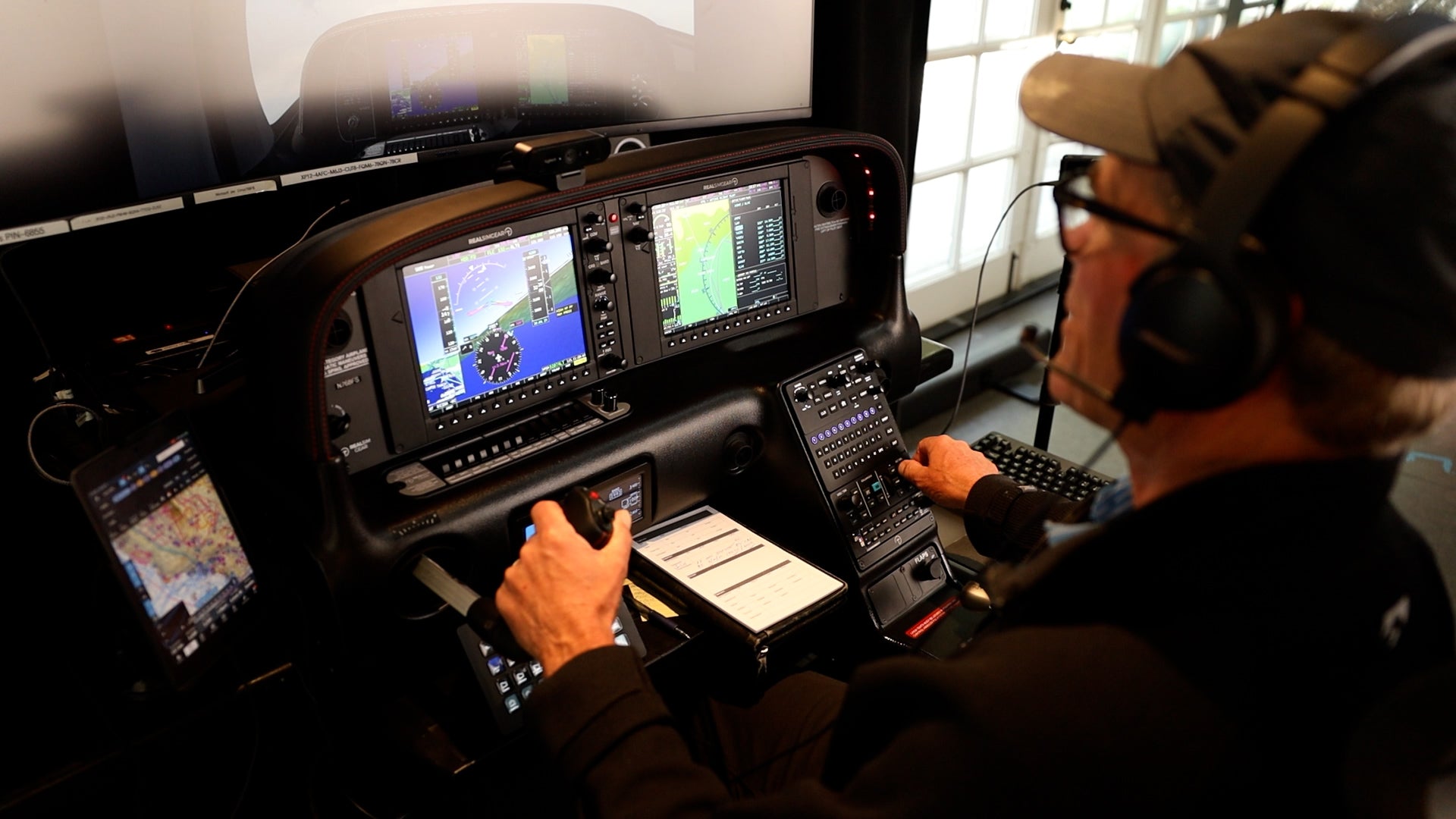
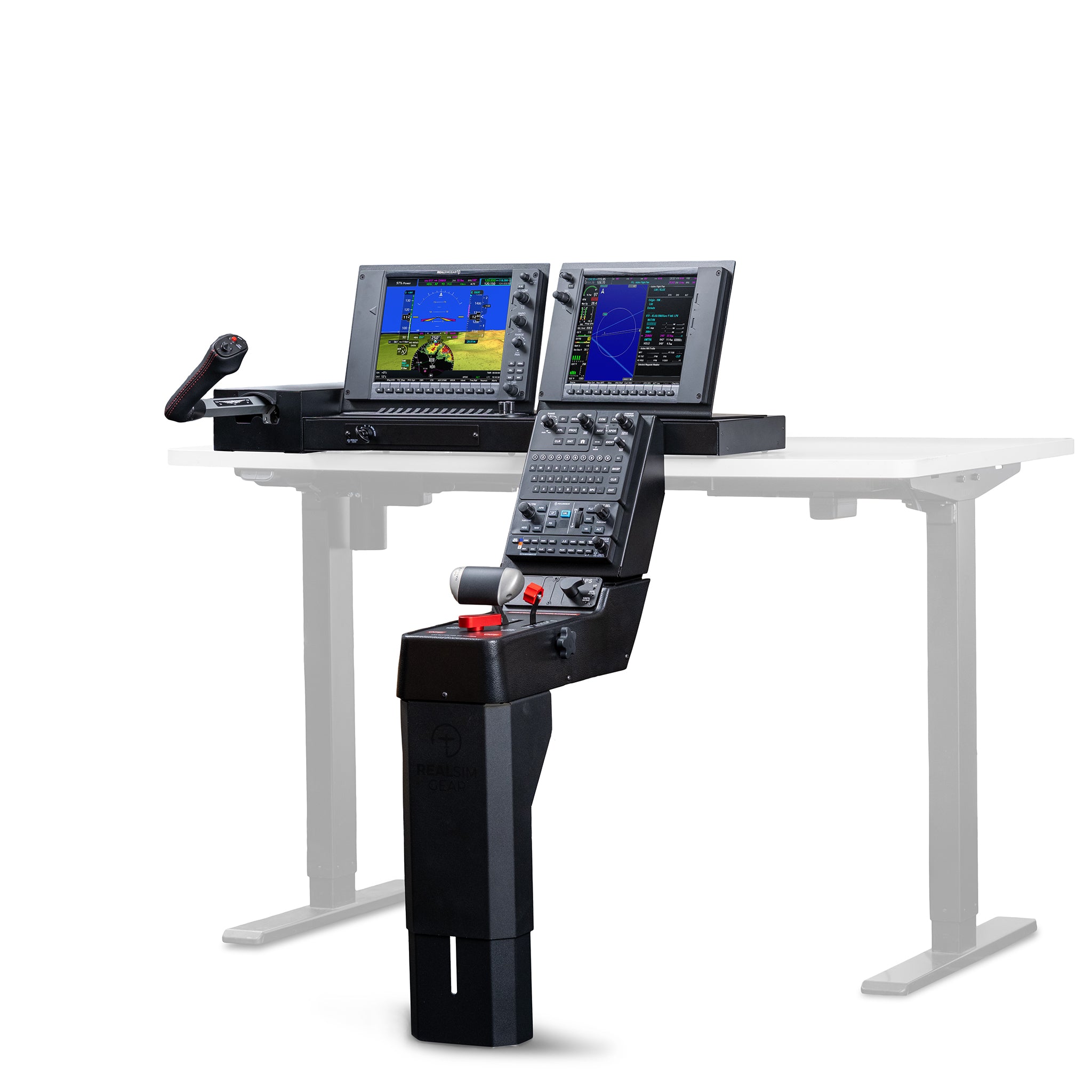
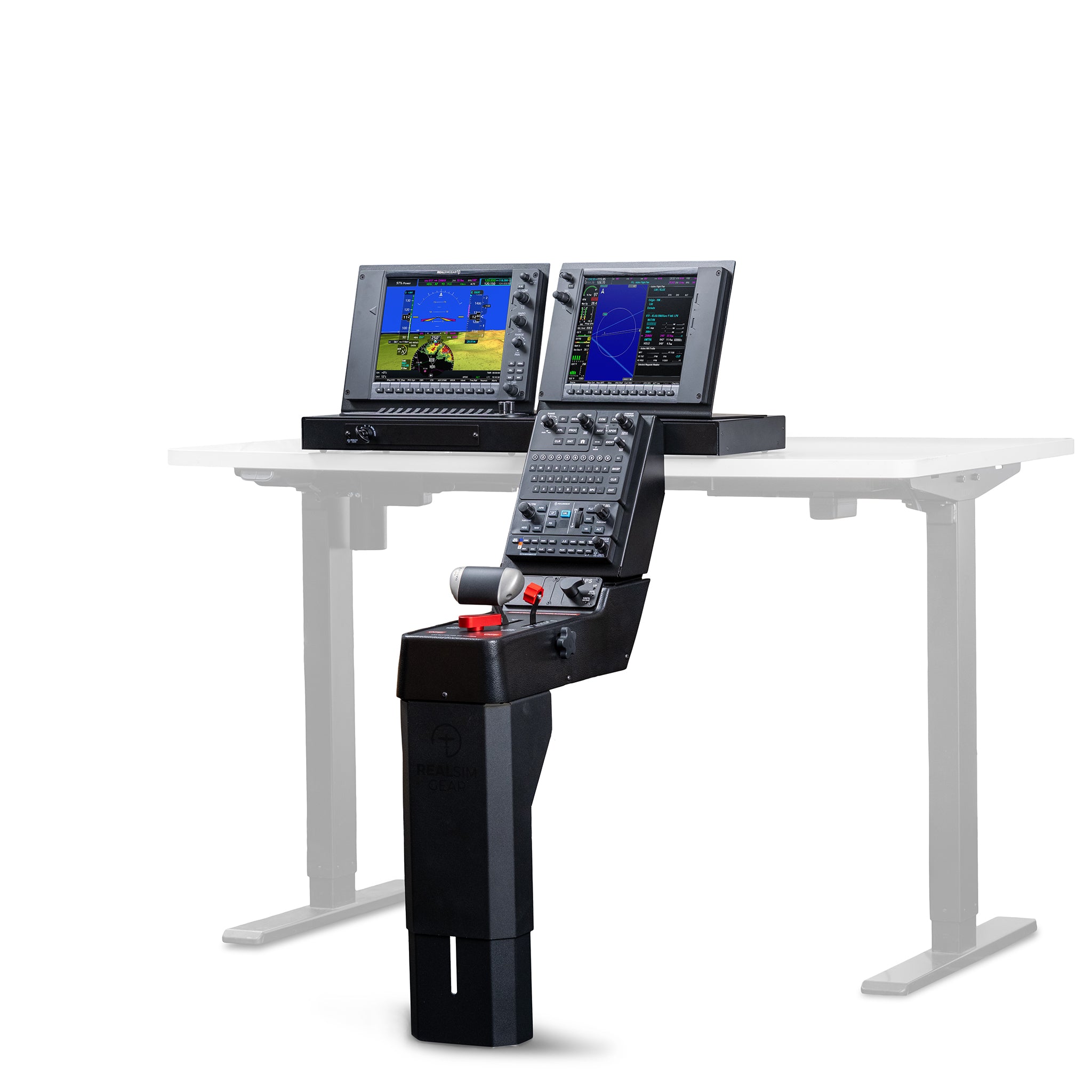
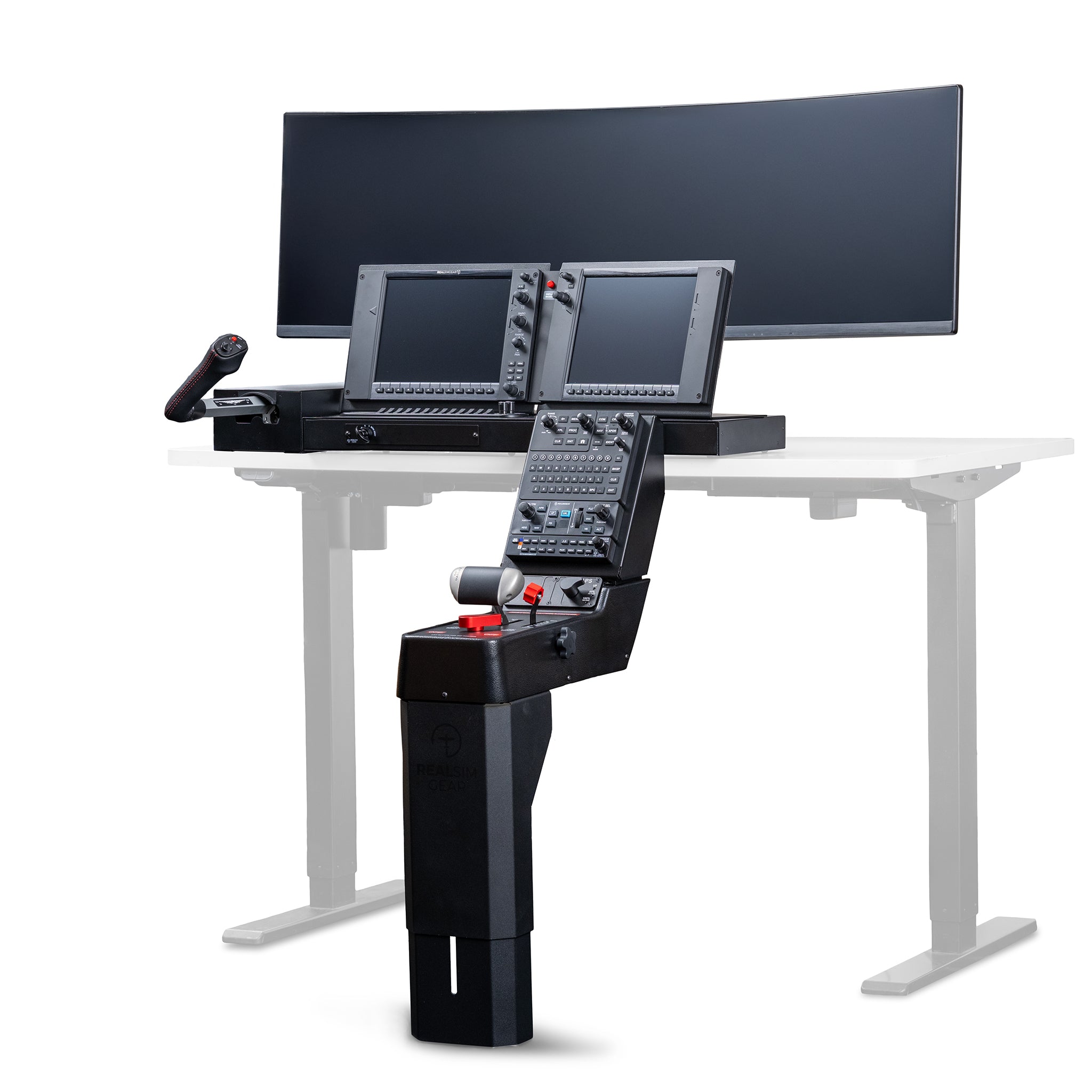
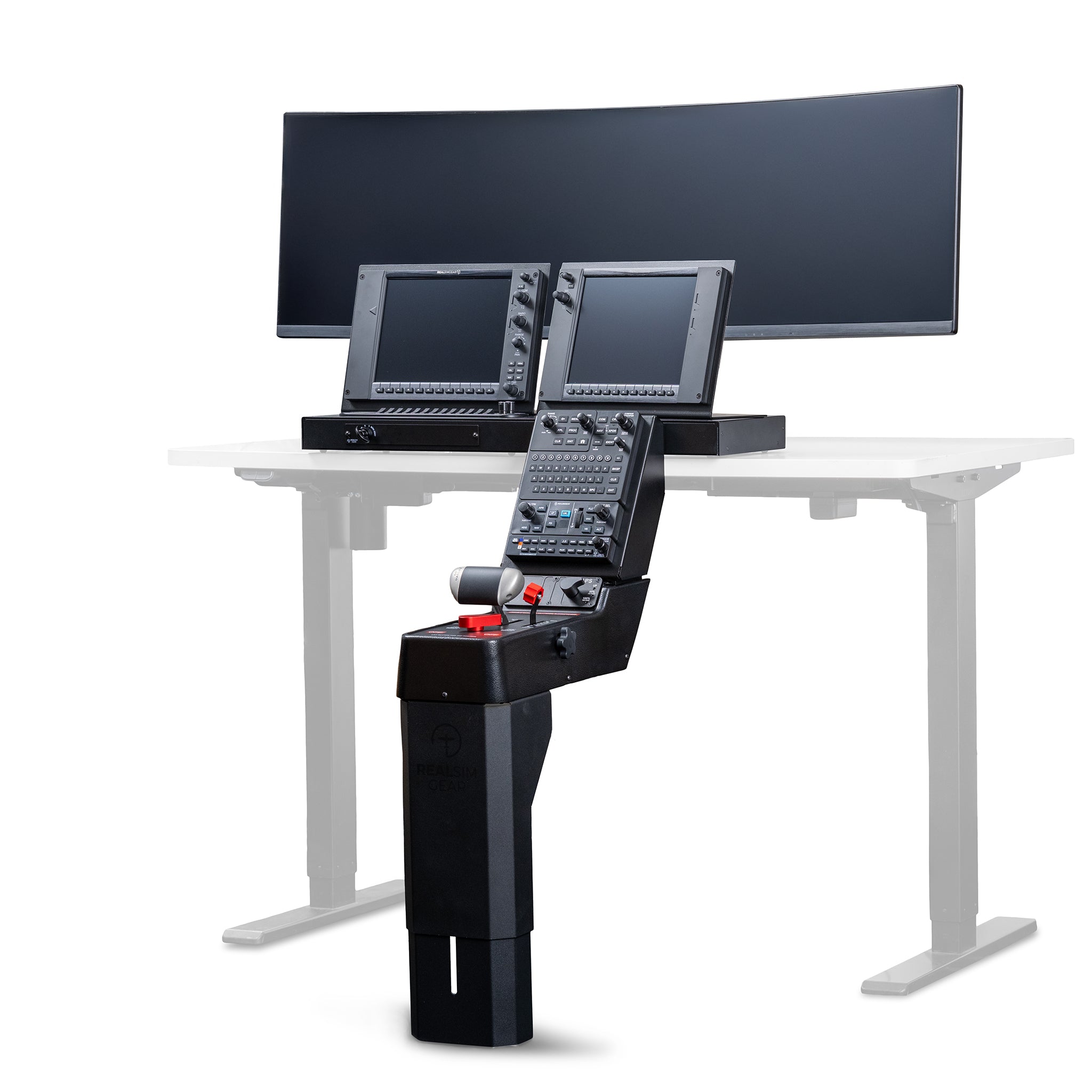
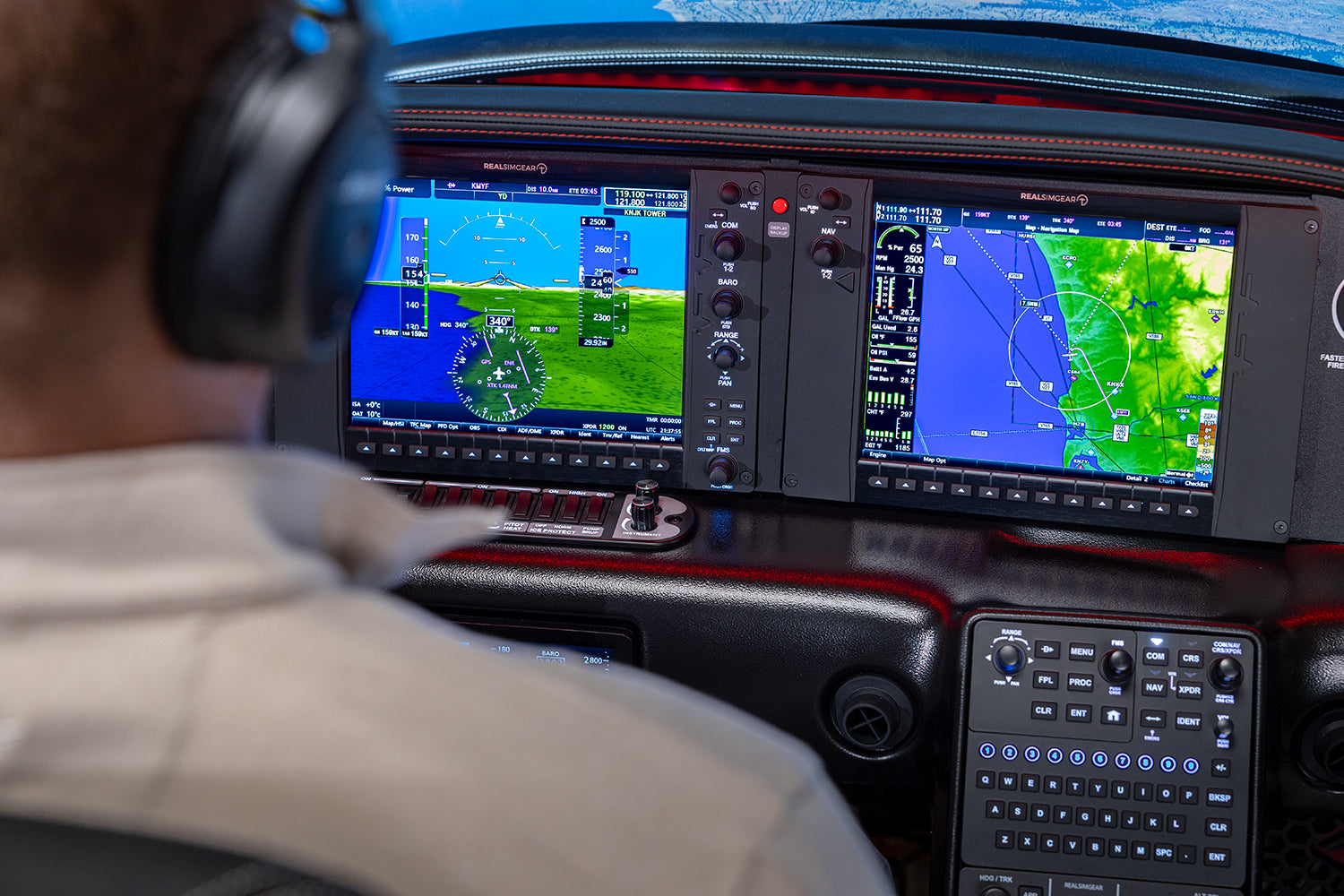
The RealSimGear SRx Desktop is a compact, high-fidelity Cirrus simulator designed for effective training and proficiency at home or in the office. It delivers accurate avionics behavior and realistic workflows in a desktop footprint, making it ideal for IFR practice and procedure rehearsal between flights.

System Specifications

System Configuration

  • FAA Approval: None
  • Aircraft Supported: Cirrus SR20, SR22, SR22T
  • Avionics: Garmin Perspective+, also available in perspective or Avidyne
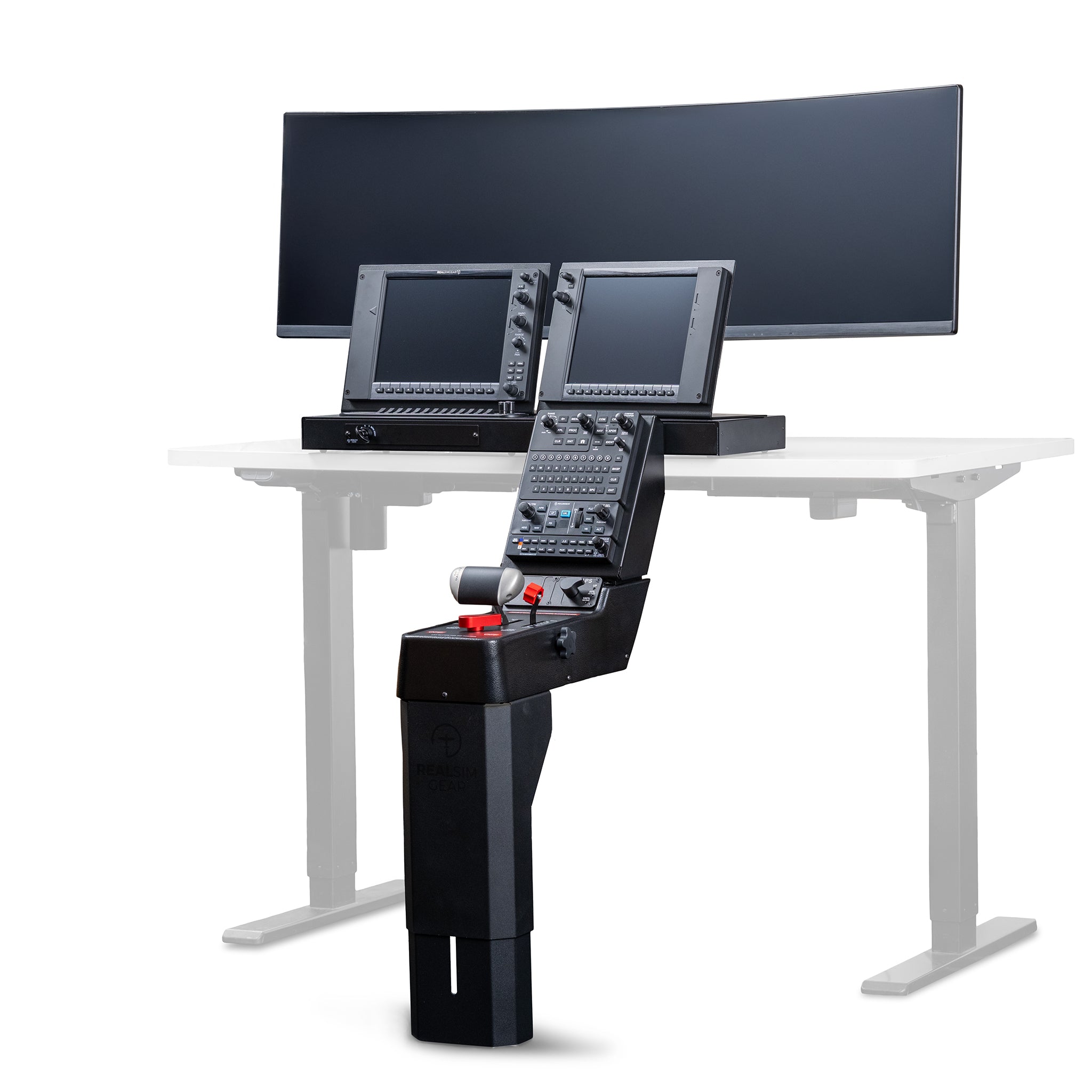
  • Cockpit: Desktop console replica
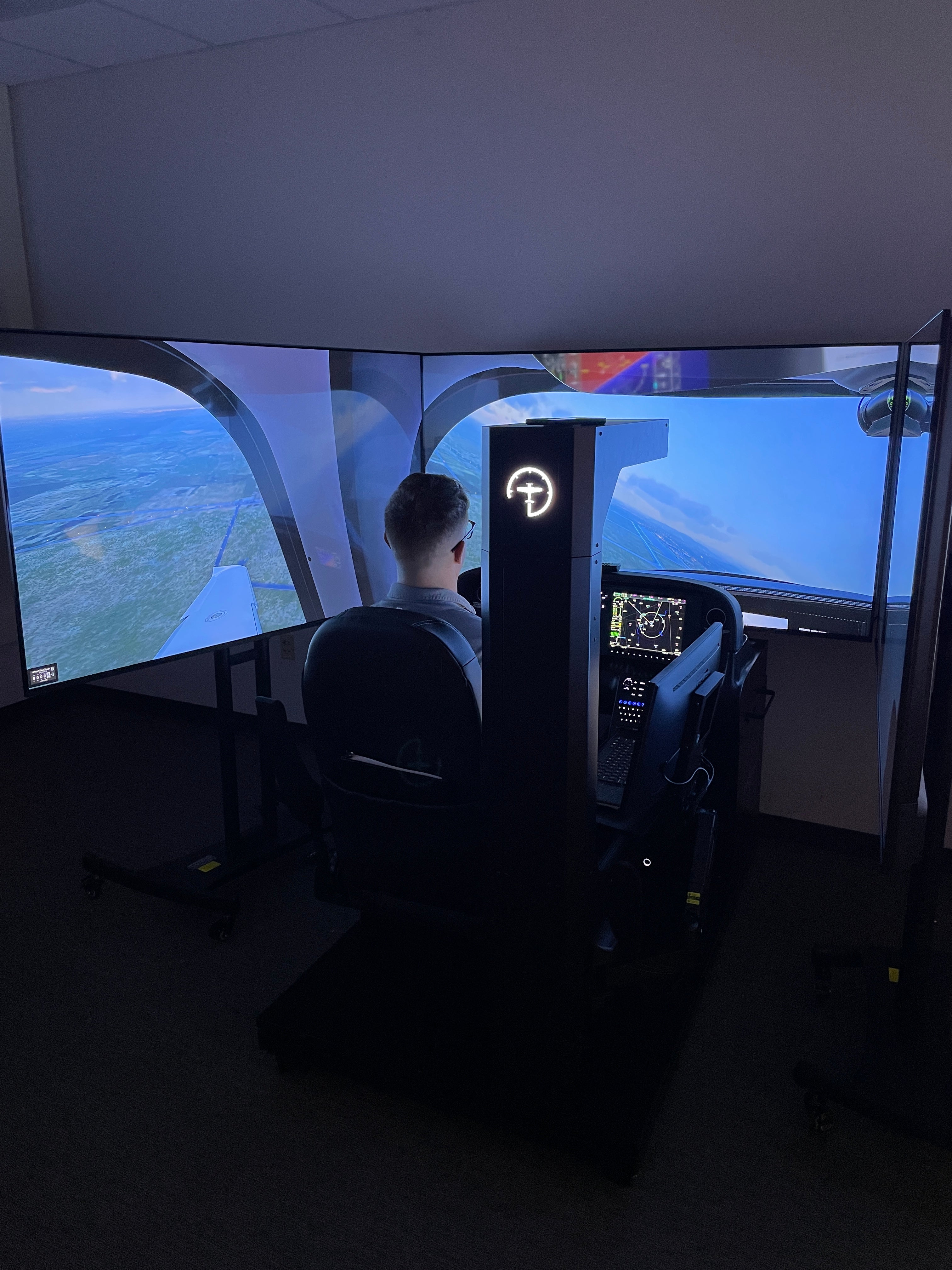
  • Visual System: Single Screen Visual Display
  • Pilot Controls: Cirrus-style yoke with aircraft-specific throttle console

Technical Requirements

  • Recommended Space: Standard desk, the console measures 30 in X 10 in deep.
  • Power: 100–240V AC
  • Network: Ethernet or strong wifi
In The Box

The SRx Desktop is available in two configurations.

SRx Desktop - Pro Package:

  • RealSimGear SR Series desktop avionics and switch panels
  • G6-specific Cirrus yoke
  • G6 Specific Throttle quadrant & Autopilot
  • Preconfigured PC
  • Monitor
  • RealSimGear software and Cirrus SR Series aircraft profiles

SRx Desktop - Standard Package

  • RealSimGear SR Series desktop avionics and switch panels
  • Thrustmaster TQ1600 joystick (Non cirrus specific)
  • G6 throttle quadrant & Autopilot
  • Preconfigured PC
  • Monitor
  • RealSimGear software and Cirrus SR Series aircraft profiles

These systems can also be configured for Perspective avionics, as well as Avidyne variants with a variety of Garmin stacks. C

Note For All Packages: Rudder pedals are not included with any SRx Desktop configuration

How Pilots Use the SRx Desktop

  • Procedural and checklist practice
  • IFR workflows and approach setup
  • Perspective Touch+ avionics familiarization
  • Transition preparation across SR Series aircraft

FAQs

Please read our FAQs page to find out more.
What is the difference between a Desktop system and a Home system?

Desktop systems are designed for use on a desk or workstation and focus on avionics, procedures, and IFR training in a compact footprint. Home systems add a full cockpit platform, immersive visuals, and FAA BATD approval.

Can I use my own PC, monitor, or flight controls with a Desktop system?

Yes. Desktop systems are available in multiple configurations, including packages that allow you to use your own PC, monitor, and compatible flight controls. Our team can review your setup to ensure optimal performance.

Can a Desktop system be upgraded in the future?

Yes. Desktop systems are modular and support future upgrades, including expanded visual systems, additional hardware, or transition to a Home or Pro configuration.

Does the Desktop system use the same avionics software as Home and Pro systems?

Yes. Desktop systems use the same RealSimGear avionics software as our Home and Pro systems, providing consistent avionics behavior, workflows, and procedures across all training platforms.

Didn’t find your answer?

Don't hestitate to contact us

Related Packages

SRx Home Package

A full-cockpit, BATD-approved Cirrus training system designed for realistic procedures and IFR proficiency at home.

Learn More

SRx Pro Package

An FAA AATD-approved Cirrus simulator built for structured instruction and professional training environments.

Learn More