


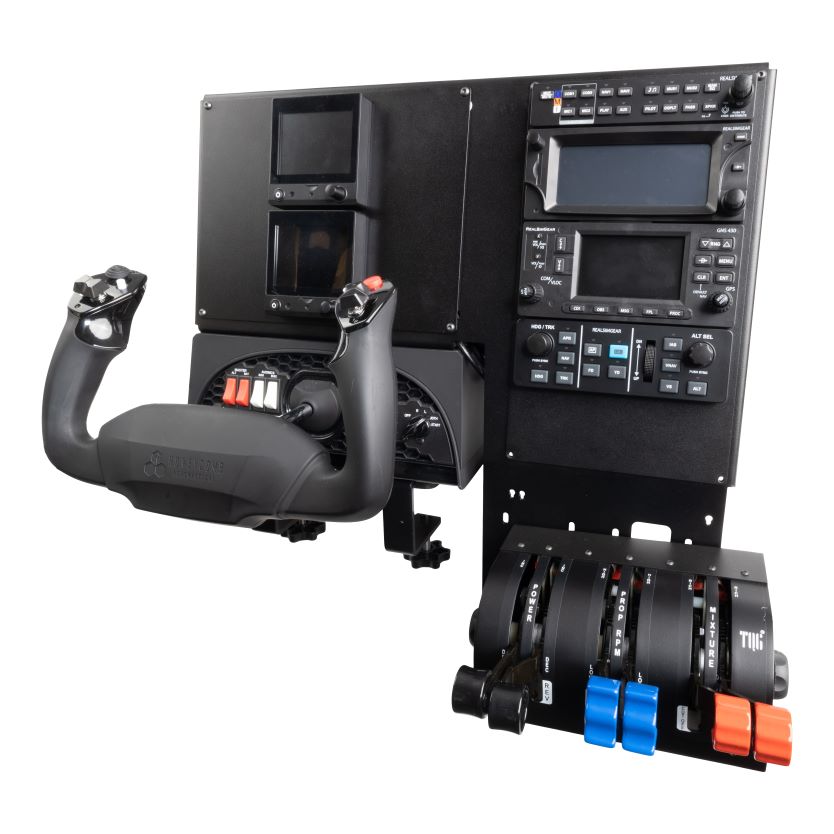
RealSimGear YokeTop Simulator Package
- PFD:
- RealSimGear G500
- Avionics Stack:
- RealSImGear GTN750 GTN650 GFC500
Pairs well with
RealSimGear YokeTop Simulator Package
If you have any questions, you are always welcome to contact us. We'll get back to you as soon as possible, within 24 hours on weekdays.
-
Shipping Information
Use this text to answer questions in as much detail as possible for your customers.
-
Customer Support
Use this text to answer questions in as much detail as possible for your customers.
-
FAQ’s
Use this text to answer questions in as much detail as possible for your customers.
-
Contact Us
Use this text to answer questions in as much detail as possible for your customers.
Product details
Description
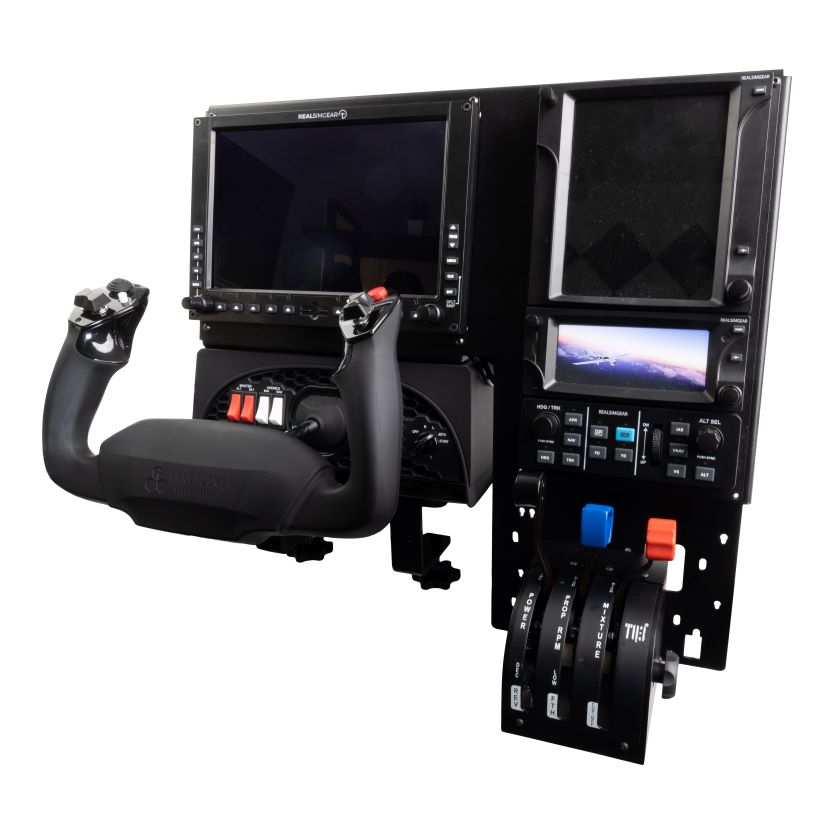
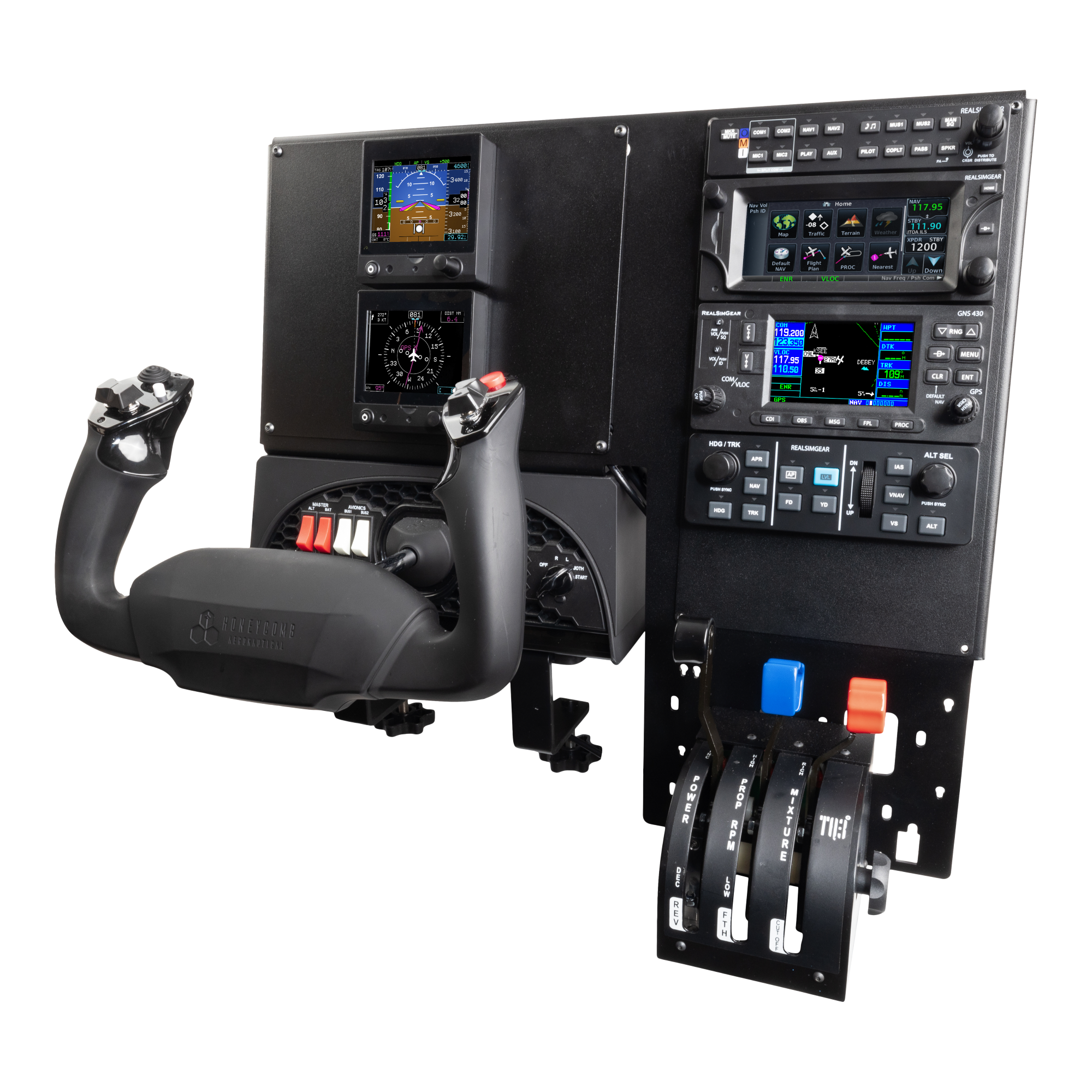
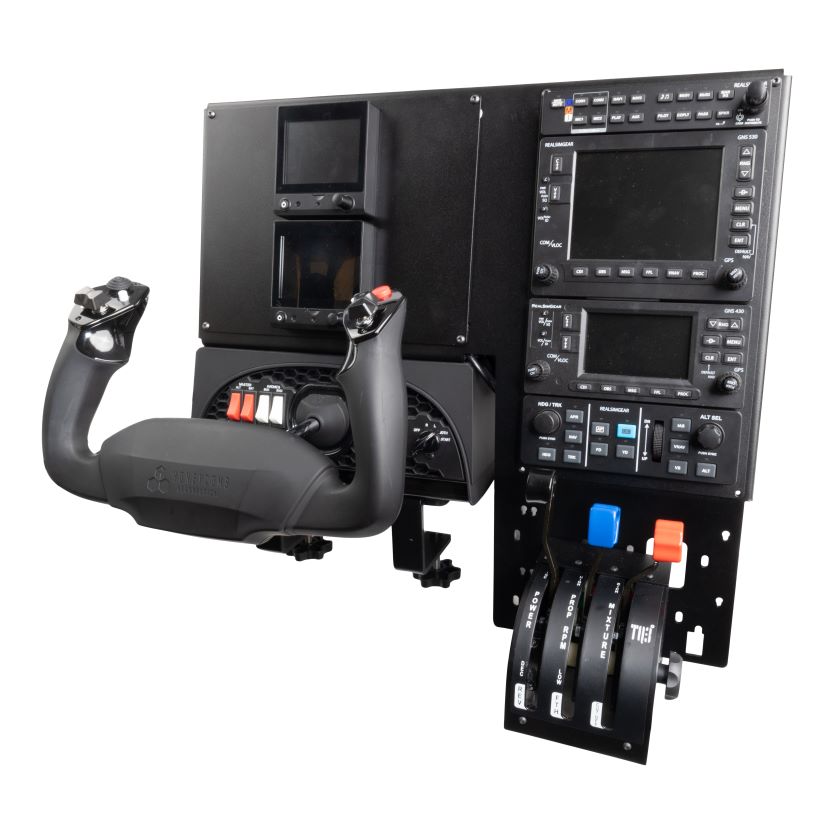
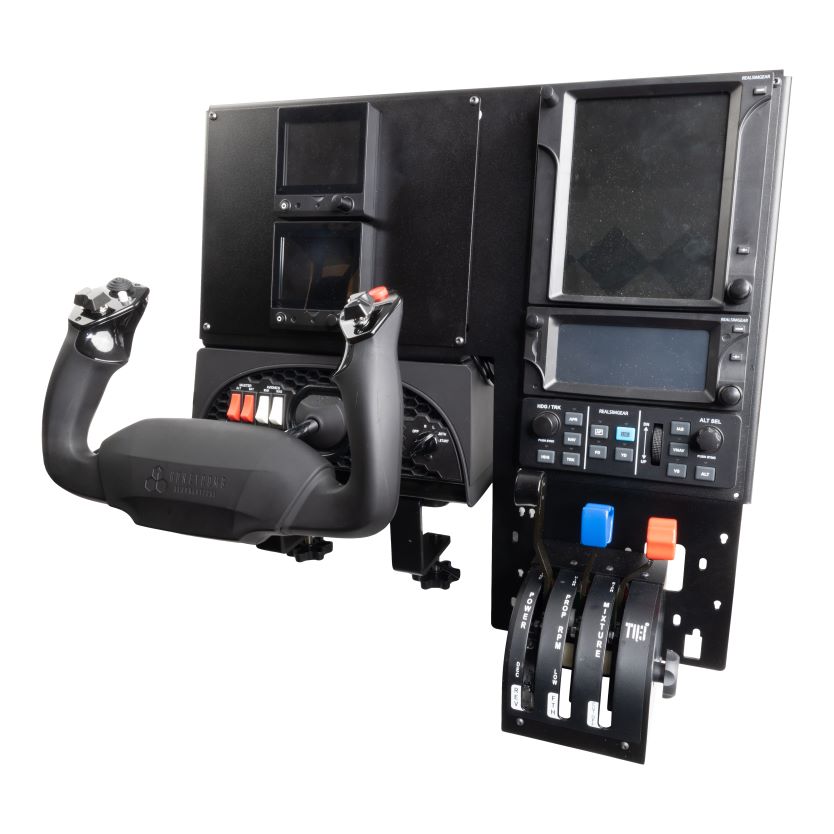
The RealSimGear YokeTop Simulator System is the ultimate compact flight sim setup. This fully integrated and portable solution makes it easy to convert your work space into a fully capable flight simulator, effective for all types of flight training and procedure practice.
The system includes a specially designed bracket that fits securely to the top of the Honeycomb Alpha or Logitech yoke. This also includes integrated cables and connections meaning all you need is a single USB3 and power cable connection to your PC, making setup and moving of the sim quick and easy.
A key feature of the system is that both the PFD and avionics stack areas are modular, meaning if your training needs change, it's easy to update the panel configuration to match your aircraft.
With the compact design of the RealSimGear YokeTop Simulator package, it can be easily moved from one location to another if you are travelling or need to relocate the system.
Choose from our pre-configured designs, or contact for a custom layout.
For a list of full compatibility and additional software needed, please see the compatibility tab.
Note: G3X variant is only compatible with Microsoft Flight Simulator 2020 and 2024. There is no native G3X software for X-Plane at this time. List of G3X equipped aircraft for Microsoft Flight Simulator is included in the Compatibility tab.
Note: Variants that include GTN hardware require third-party GTN software. RealSimGear highly recommends the TDS Simulations GTNXi for Microsoft Flight Simulator or X-Plane. Additional third-party options are linked on the Compatibility tab.
Compatibility
In the Box
FAQs
Please read our FAQs page to find out more.