



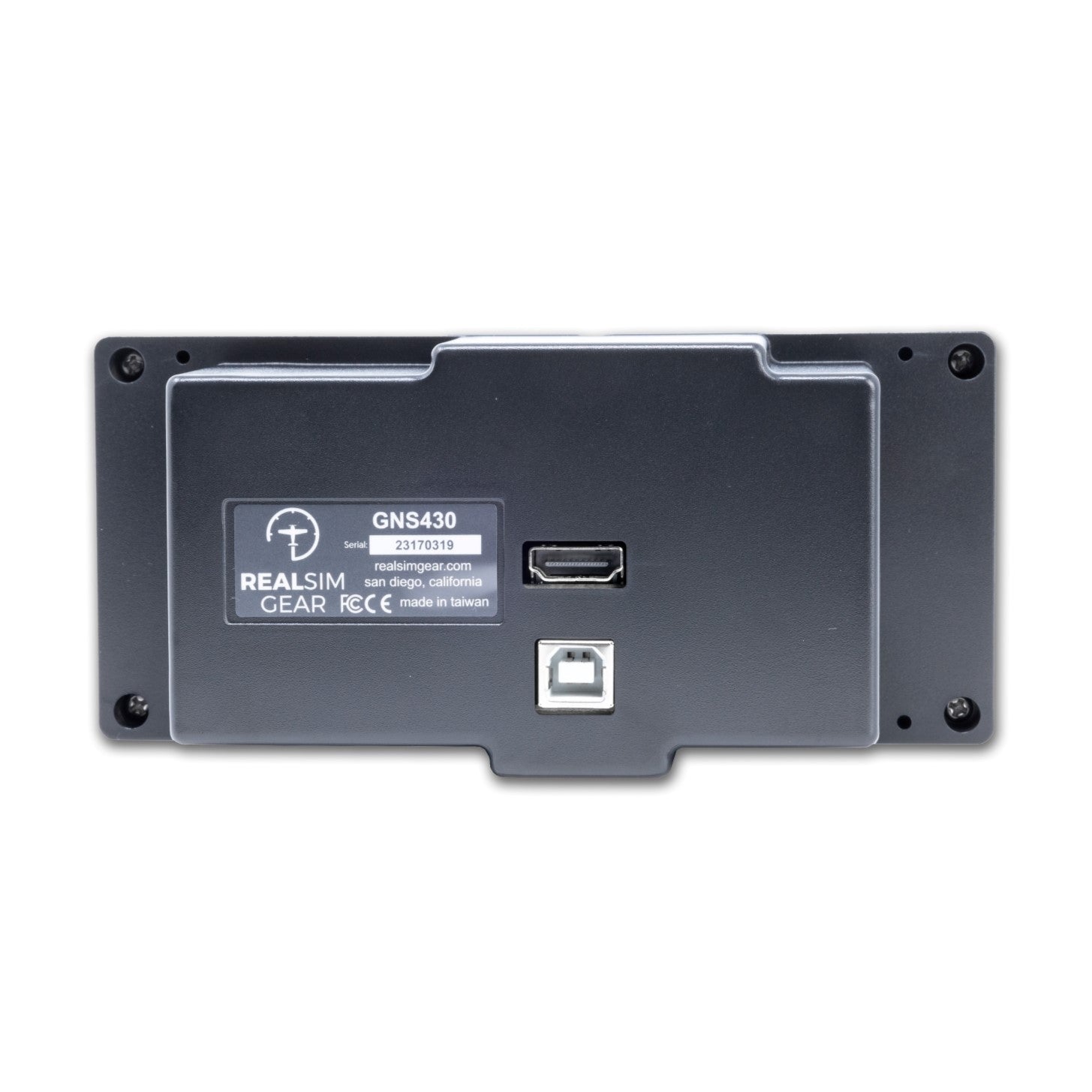
RealSimGear GNS430
Description
The RealSimGear® GNS430 is a high quality, ultra realistic hardware interface for your flight simulator that matches as close as possible to the real thing, including ultra realistic silicone buttons and replica knobs. It is the best way to learn the functionality of the Garmin 430—much more realistic than using the mouse or a touch screen—and is especially helpful for learning and practicing instrument flying procedures.
Product Features
Fully functional knobs and tactile silicone buttons: We have replicated the feel and function of the Garmin 430 knobs and buttons, allowing you to learn how to easily navigate the menu system, load a flight plan, or approach procedures.
Change your comm radio frequencies quickly and easily: No more fumbling with the mouse. The RealSimGear® GNS430 allows for the development of muscle memory and improves proficiency needed for instrument flying.
Make your sim training more effective: And representative of real world flying.
Desktop or panel mount: This product can be mounted in an existing panel or used with our desktop stand. Great for flying students, pilots and home cockpit builders.
Fully assembled: No assembly, 3D printing, soldering etc required.
Highly effective for IFR practice: This product is especially helpful for learning and practicing instrument flying procedures. When coupled with virtual ATC like PilotEdge or VatSIM, this provides the most realistic simulation possible. This allows you to develop familiarity with the Garmin 430 interface and controls so you can be better prepared for actual lessons with your CFII.
Compatibility
In the Box
X-Plane & MSFS Compatible
Ships in 1-2 days
Built For Daily Use
Pairs well with
RealSimGear GNS430
If you have any questions, you are always welcome to contact us. We'll get back to you as soon as possible, within 24 hours on weekdays.
-
Shipping Information
Use this text to answer questions in as much detail as possible for your customers.
-
Customer Support
Use this text to answer questions in as much detail as possible for your customers.
-
FAQ’s
Use this text to answer questions in as much detail as possible for your customers.
-
Contact Us
Use this text to answer questions in as much detail as possible for your customers.

FAQs
Please read our FAQs page to find out more.