

Product details

Description

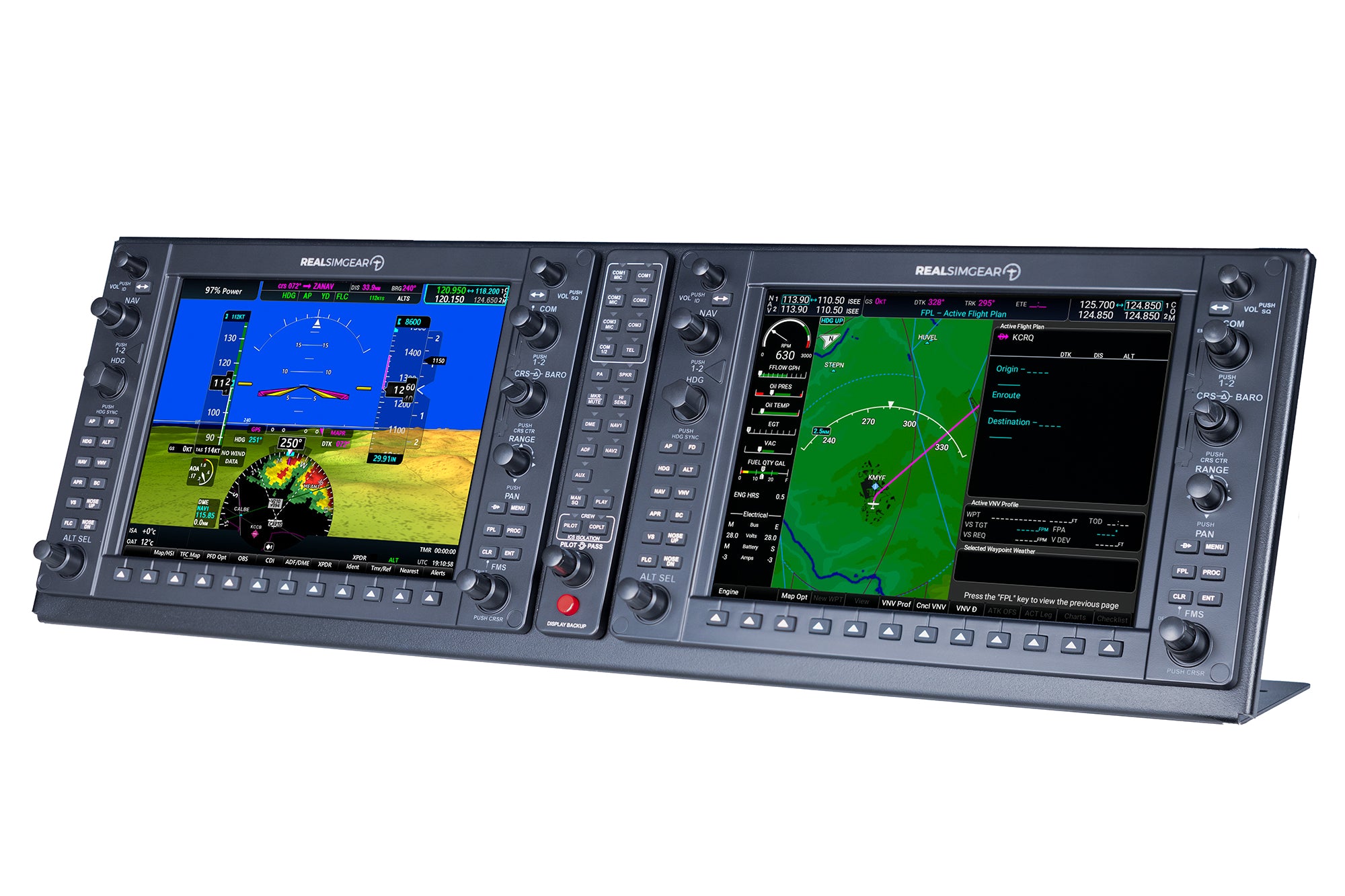
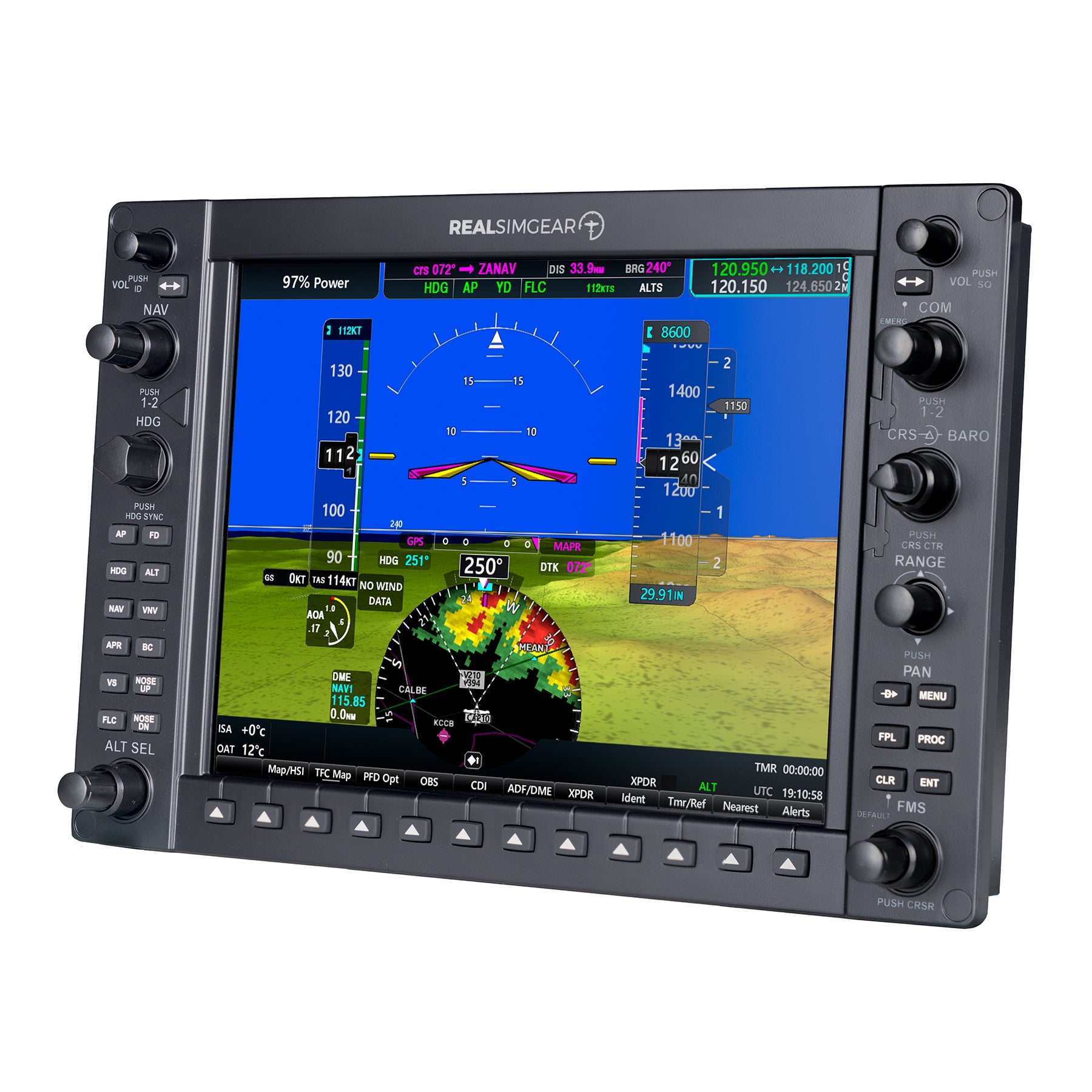
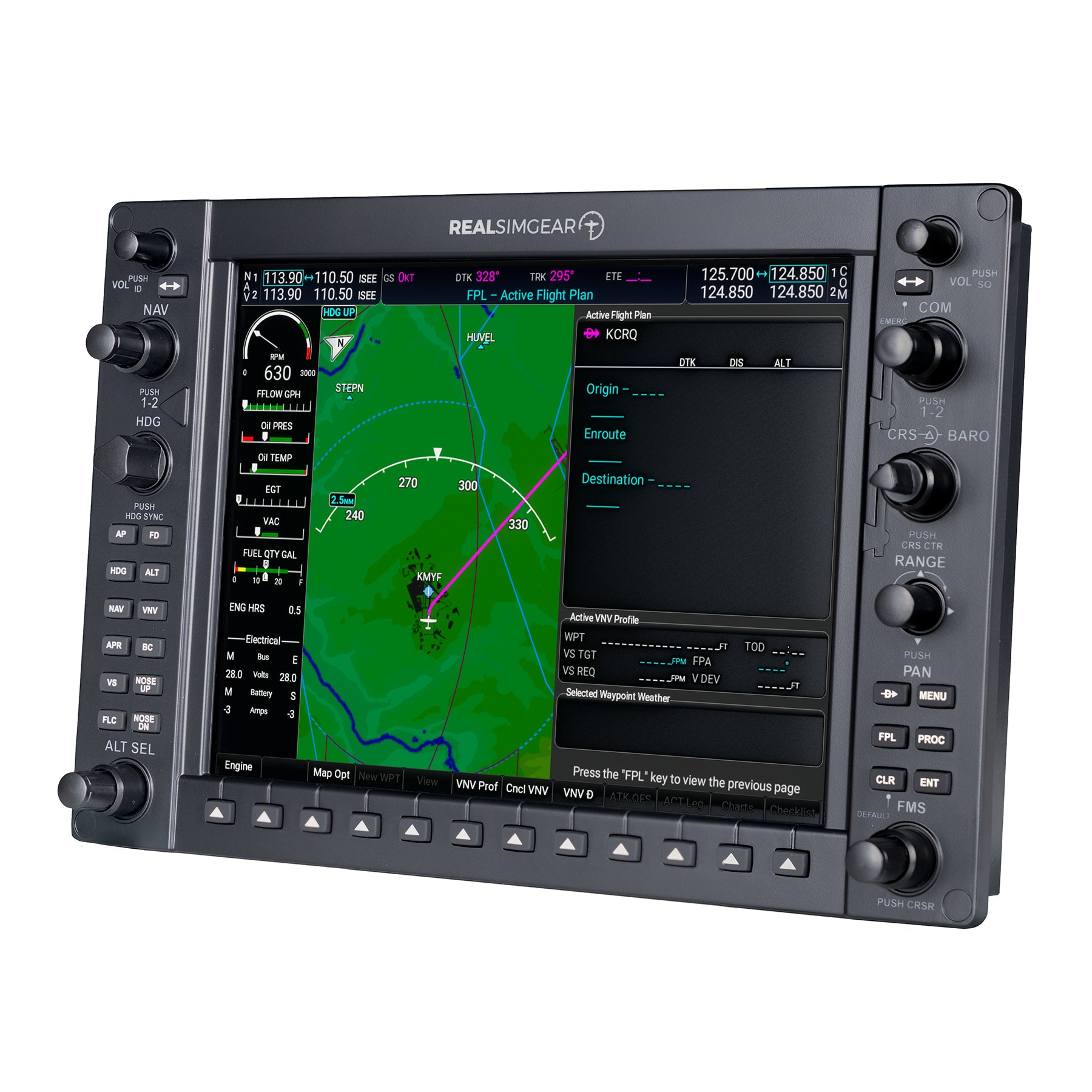
The RealSimGear® G1000 Suite is a high quality, ultra realistic hardware interface for your flight simulator. The suite includes the G1000 PFD, MFD, and GMA audio panel. The PFD and MFD each contain a dedicated IPS 10.4" wide view angle, high quality HDMI display with backlit buttons. The system connects to your PC via USB and HDMI and comes pre-loaded with the RealSimGear drivers for easy plug-and-play operation (no configuration required). This is the most affordable, highest quality, and most realistic G1000 simulation system available.


Compatibility

Simulator Compatibility

  • Microsoft Flight Simulator 2020 & 2024 (PC only)
  • X-Plane v11 & v12 (Windows only)

Hardware & Connection

  • Windows 64-bit required (no macOS support)
  • USB data connection with pre-loaded drivers
  • 2x HDMI display connections required (adapter recommended if not available)

Displays

  • Dual 10.4″ IPS HDMI screens
  • 1024×768 resolution
  • Backlit silicone rubber buttons
  • High-quality, tactile rotary knobs

Additional Notes

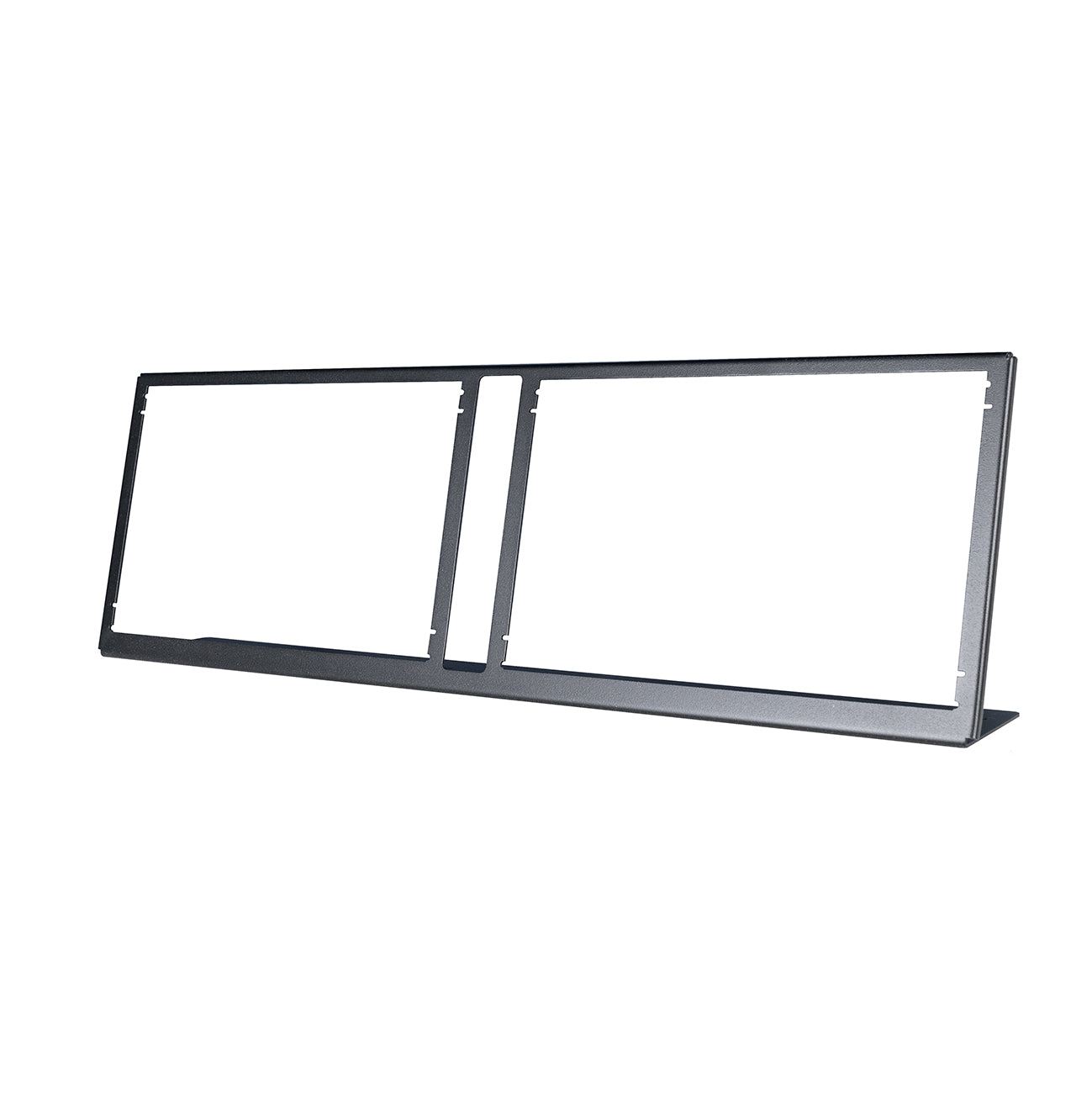
  • Stand included in bundle
  • Requires two HDMI cables (not included)
  • Works with G1000 aircraft in supported sims
In the Box

  • G1000 Primary Flight Display (PFD) unit
  • G1000 Multi-Function Display (MFD) unit
  • GMA Audio Panel
  • USB cables (one per unit)
  • G1000 Suite Stand
  • Power adapters (North American plug)
  • Quick start guide

Not included: HDMI display cables

FAQs

Please read our FAQs page to find out more.

Is there any assembly required?

No! This product is fully assembled and ready to go. There is nothing for you to buy, 3D print, solder. Each unit is built and tested before shipping.

Is it difficult to setup?

No! All you have to do is install our plugin and configure the pop out GPS screen to appear on the RealSimGear product. Please note, we do not supply HDMI cables. You will need to source the appropriate cable based on the available ports you have on your computer.

Does this work with Mac?

RealSimGear products will work with Apple computer models using an Intel CPU. If your Mac uses an Apple M Series chip, RealSimGear products will not work with the system. RealSimGear is looking to address this in the future when development and support resources for this are available. Please note, touch screen products (GTN750 and GTN650) are available for Windows only.

I don't have a spare HDMI port, will this work?

Yes! You can connect to any available DisplayPort, DVI port or HDMI port. If you want to connect to a DisplayPort or DVI port you can use any DisplayPort or DVI to HDMI adapter to cable. These are readily available from Amazon, BestBuy or any electrical goods store. You will need your own HDMI cable, we do not supply HDMI cables.

Didn’t find your answer?

Don't hestitate to contact us