

RealSimGear G500 Avionics Panel
Description
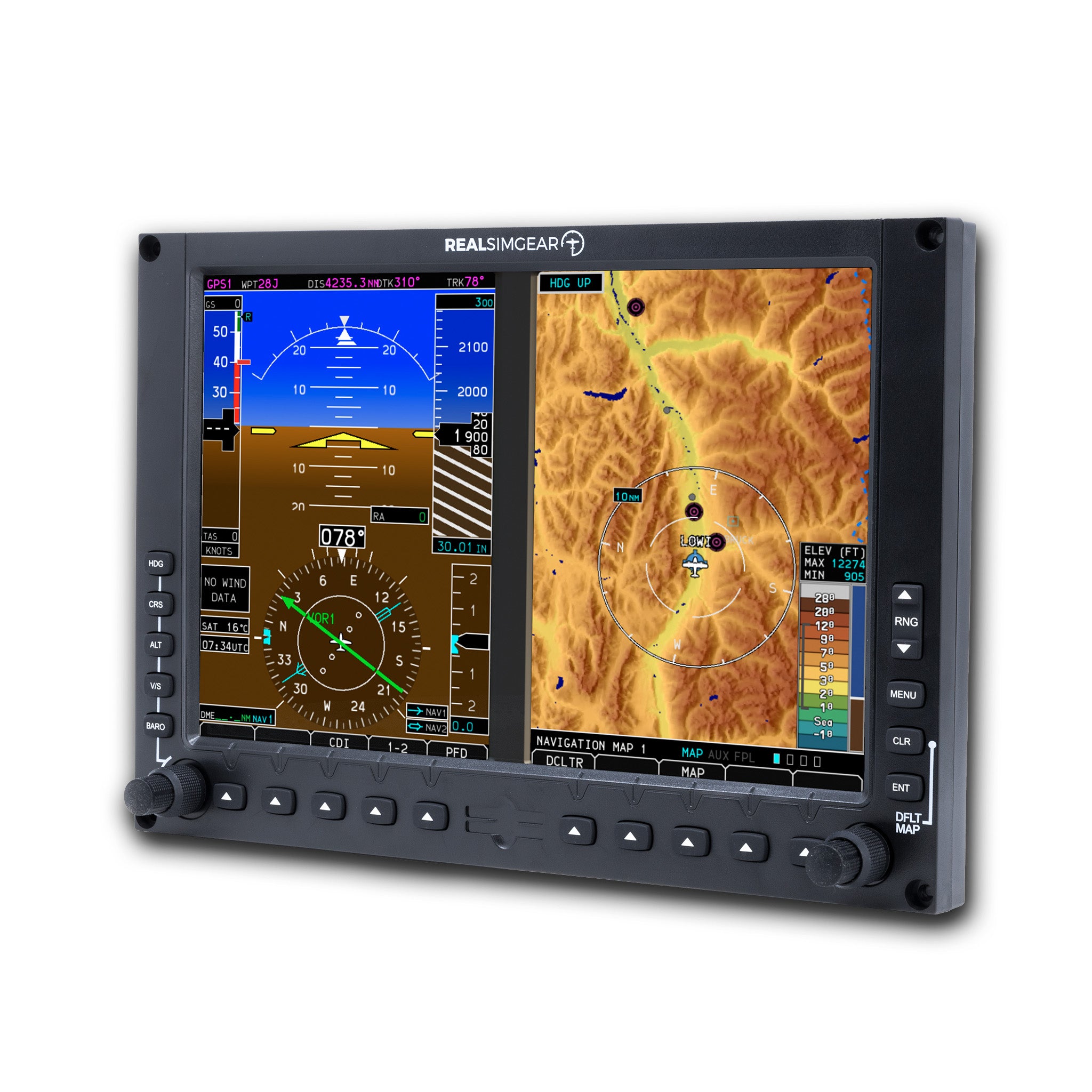
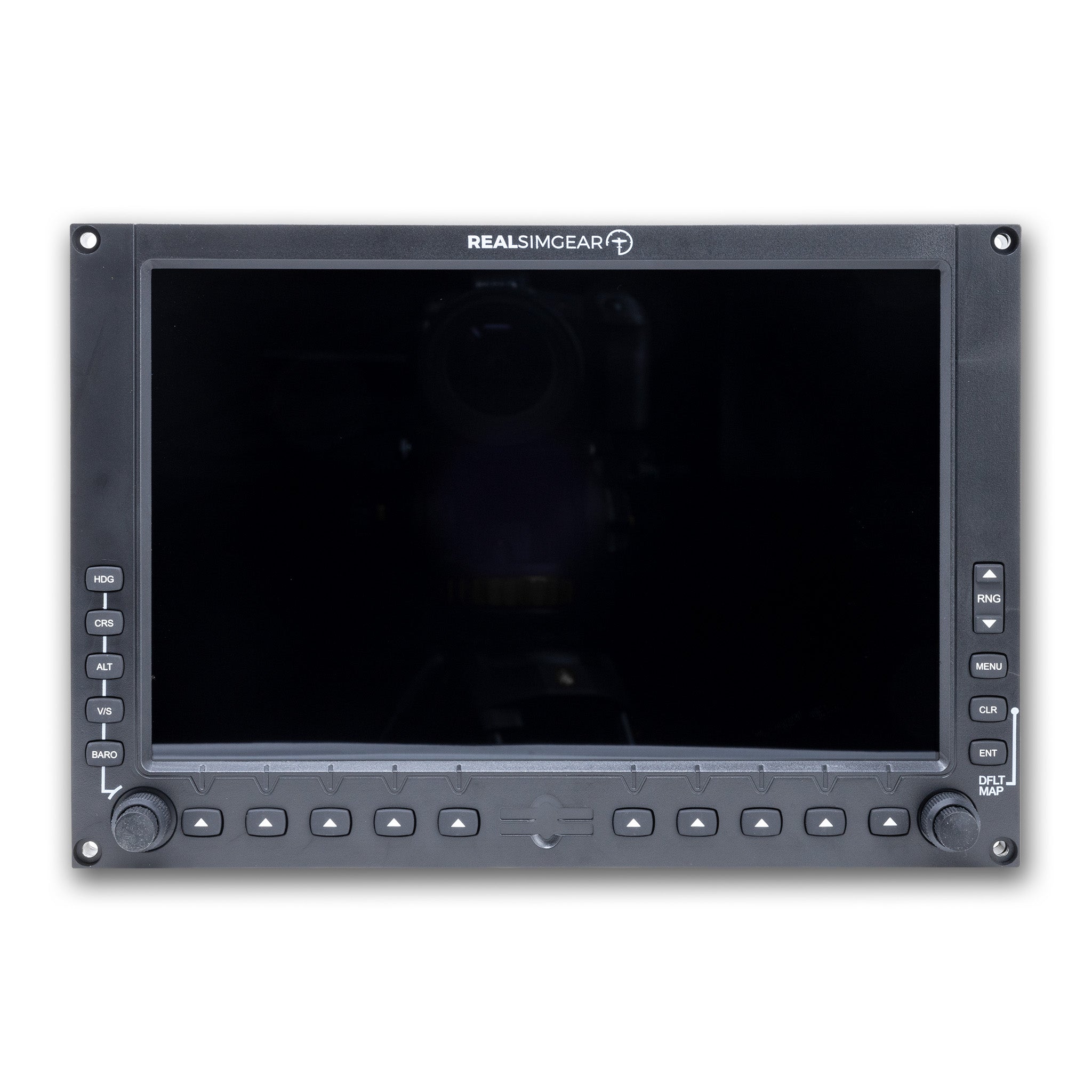
The RealSimGear® G500 is an ultra realistic replica of the real Garmin G500 glass cockpit. It features backlit rubber buttons with a very accurate tactile feel, and a high brightness, wide view angle display with a built-in capacitive touch screen. The touch screen makes this product a great choice if you want to configure your simulator for a variety of different aircraft types.
Product Features:
Accurate avionics with detailed menus and configurability: Provides highly detailed menus and extensive configuration options for realistic operation.
Included aircraft integration: An integration into the default Cessna 172 is included, ready to fly, with the download.
TorqueSim integrations: Already integrated into the TorqueSim BN-2B Islander and BN-2T Turbine Islander, with more integrations coming.
Detailed map views: Detailed map views showing the flight plan, terrain, traffic, airspace, airports, airways, highways, cities, and more—unparalleled custom avionics for X-Plane.
Waypoint information page: Waypoint information page is able to retrieve detailed information about airports, VORs, and more, right from the G500.
RealityXP integration: Integration with the RealityXP GTN and GNS avionics for even more accurate behavior.
Helicopter configuration: Helicopter configuration with flipped displays for right-sided mounting.
Required Software: This product requires the RealSimGear G500 software, which is an additional purchase.
Compatibility
In the Box
X-Plane & MSFS Compatible
Ships in 1-2 days
Built For Daily Use
Pairs well with
RealSimGear G500 Avionics Panel
If you have any questions, you are always welcome to contact us. We'll get back to you as soon as possible, within 24 hours on weekdays.
-
Shipping Information
Use this text to answer questions in as much detail as possible for your customers.
-
Customer Support
Use this text to answer questions in as much detail as possible for your customers.
-
FAQ’s
Use this text to answer questions in as much detail as possible for your customers.
-
Contact Us
Use this text to answer questions in as much detail as possible for your customers.
FAQs
Please read our FAQs page to find out more.