

RealSimGear Single G5 PFD/HSI
Description
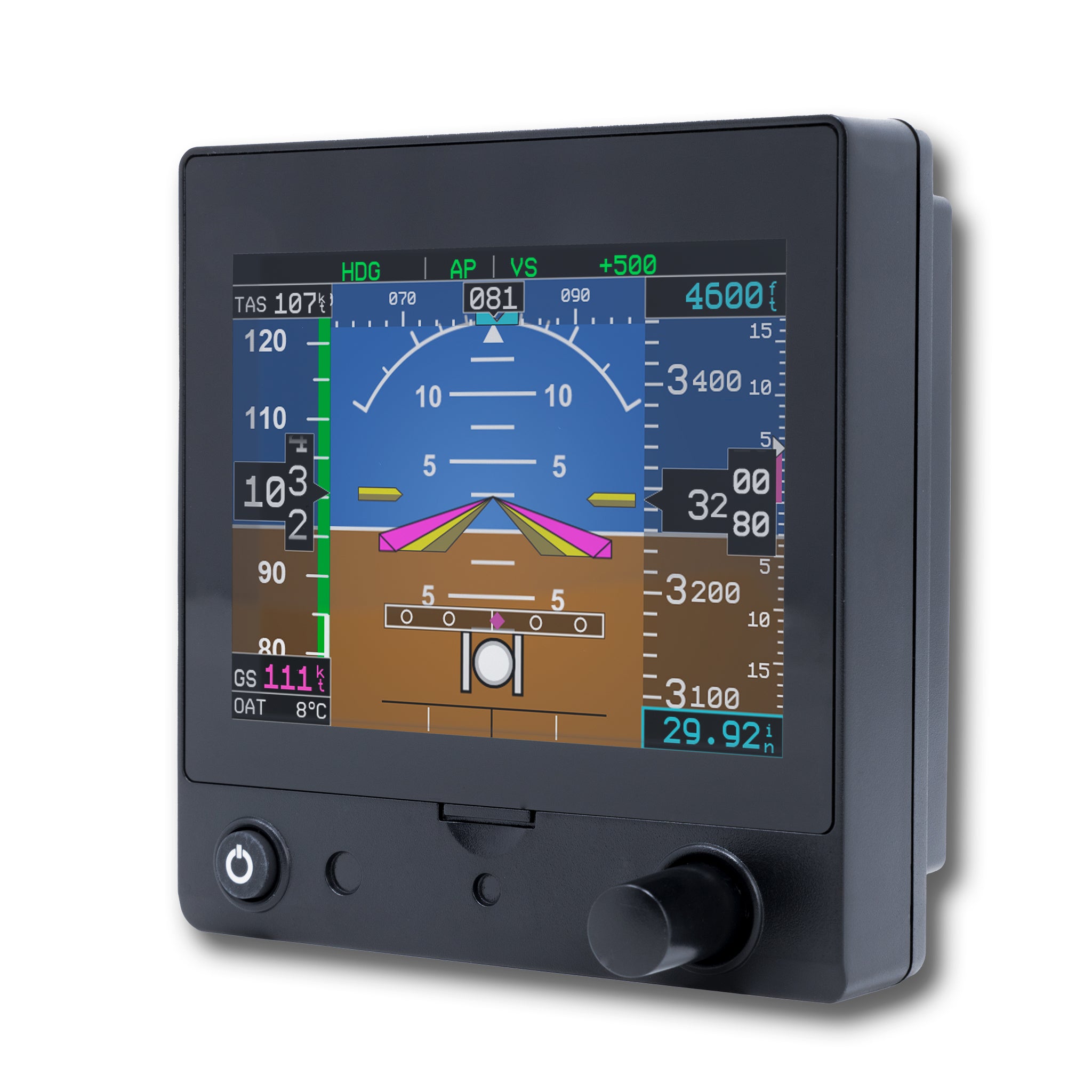
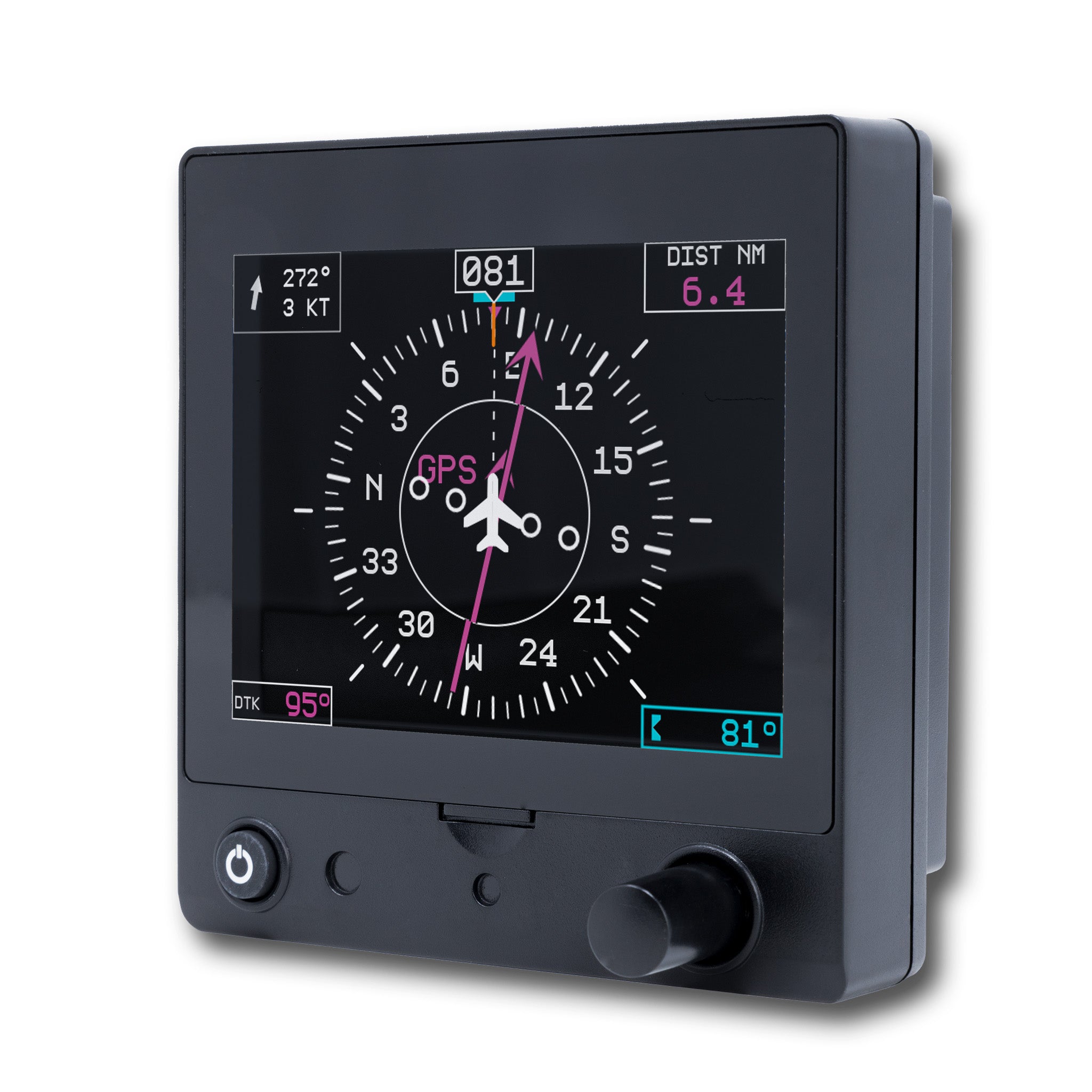
The RealSimGear G5 brings the very popular G5 Glass Instrument to X-Plane 11 or 12 and Microsoft Flight Simulator 2020/2024. Powered by the RealSimGear G5 software (sold separately), it’s easy to add the G5 PFD and/or HSI to any aircraft.
Product Features
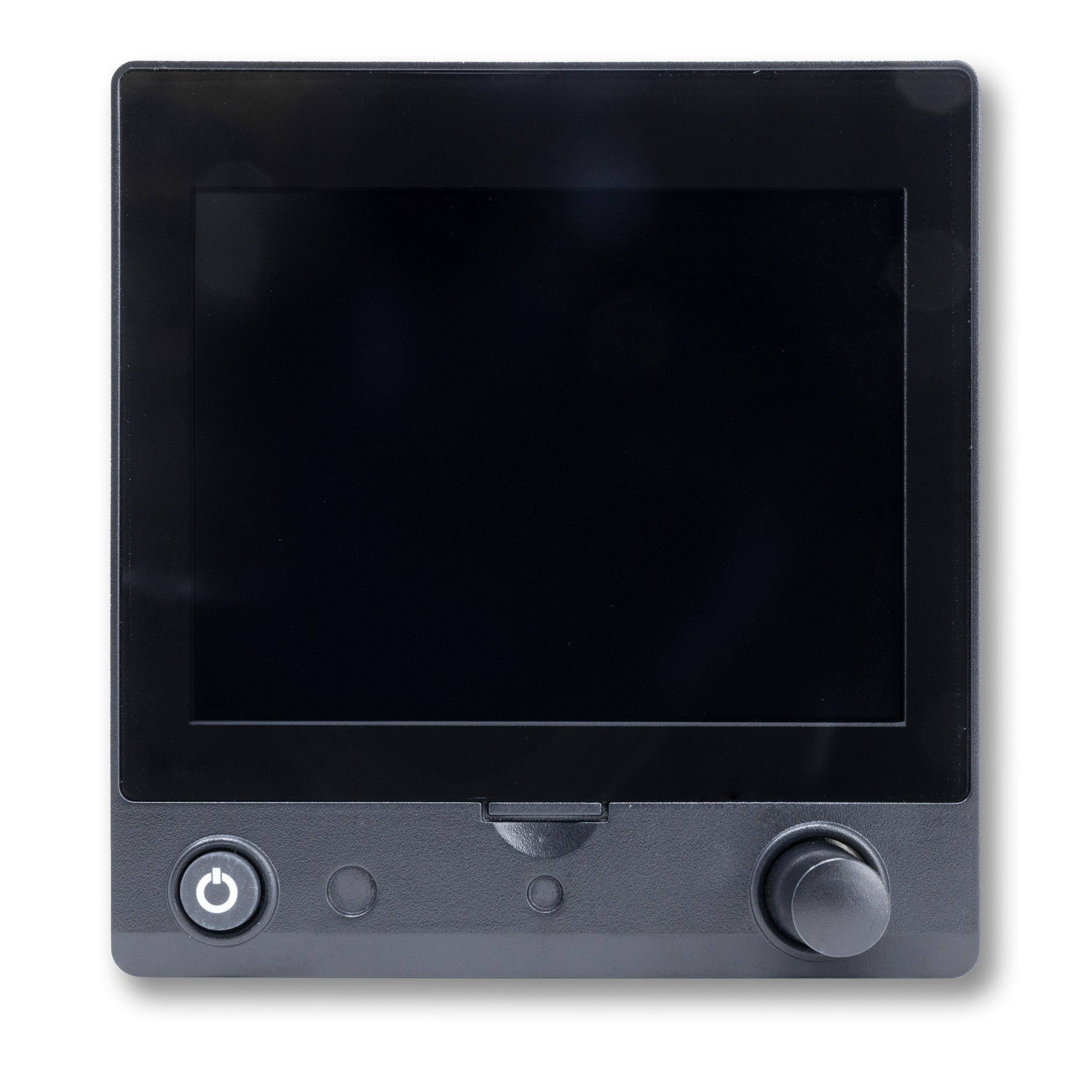
Exact size, look and feel of the real instrument: The G5 bezel is designed to match the real G5 instrument for an authentic training experience.
Built-in display: The G5 bezel features a high brightness, wide view angle LCD display.
Backlit power button: Includes a backlit power button, exactly as you would find it in the real instrument.
Push button knob: Backlit push button knob lets you access all of the G5 menus, exactly as you would in the real instrument.
Software and compatibility options: Powered by RealSimGear G5 software (sold separately). RealSimGear G5 Software available for purchase through X-Aviation. Now also compatible with Air Manager Premium G5 Gauge for X-Plane 11/12 and Microsoft Flight Simulator 2020 and 2024.
Compatibility
In the Box
Built For Daily Use
Ships in 1-2 days
X-Plane & MSFS Compatible
Pairs well with
RealSimGear Single G5 PFD/HSI
If you have any questions, you are always welcome to contact us. We'll get back to you as soon as possible, within 24 hours on weekdays.
-
Shipping Information
Use this text to answer questions in as much detail as possible for your customers.
-
Customer Support
Use this text to answer questions in as much detail as possible for your customers.
-
FAQ’s
Use this text to answer questions in as much detail as possible for your customers.
-
Contact Us
Use this text to answer questions in as much detail as possible for your customers.
FAQs
Please read our FAQs page to find out more.