

Product details

Description

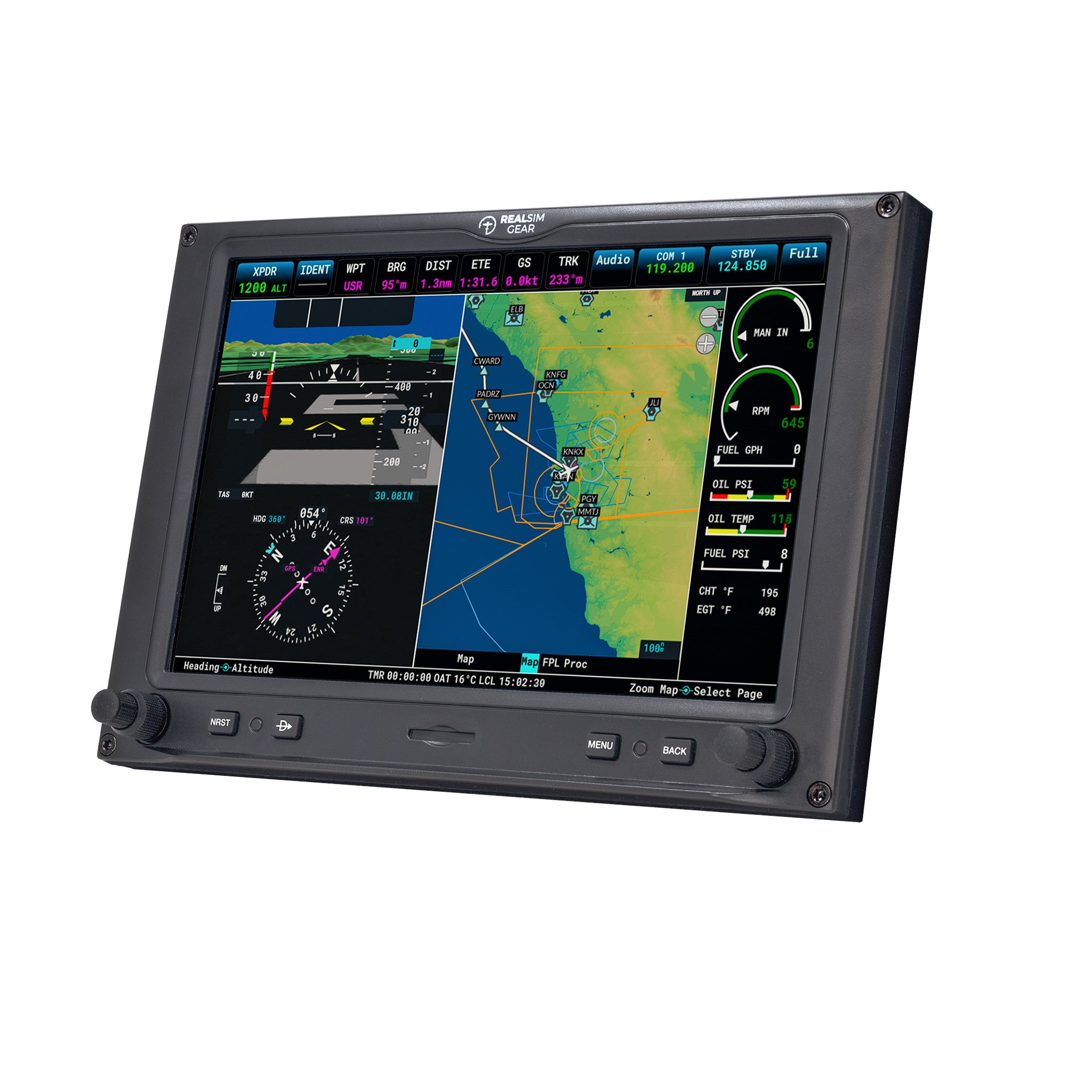
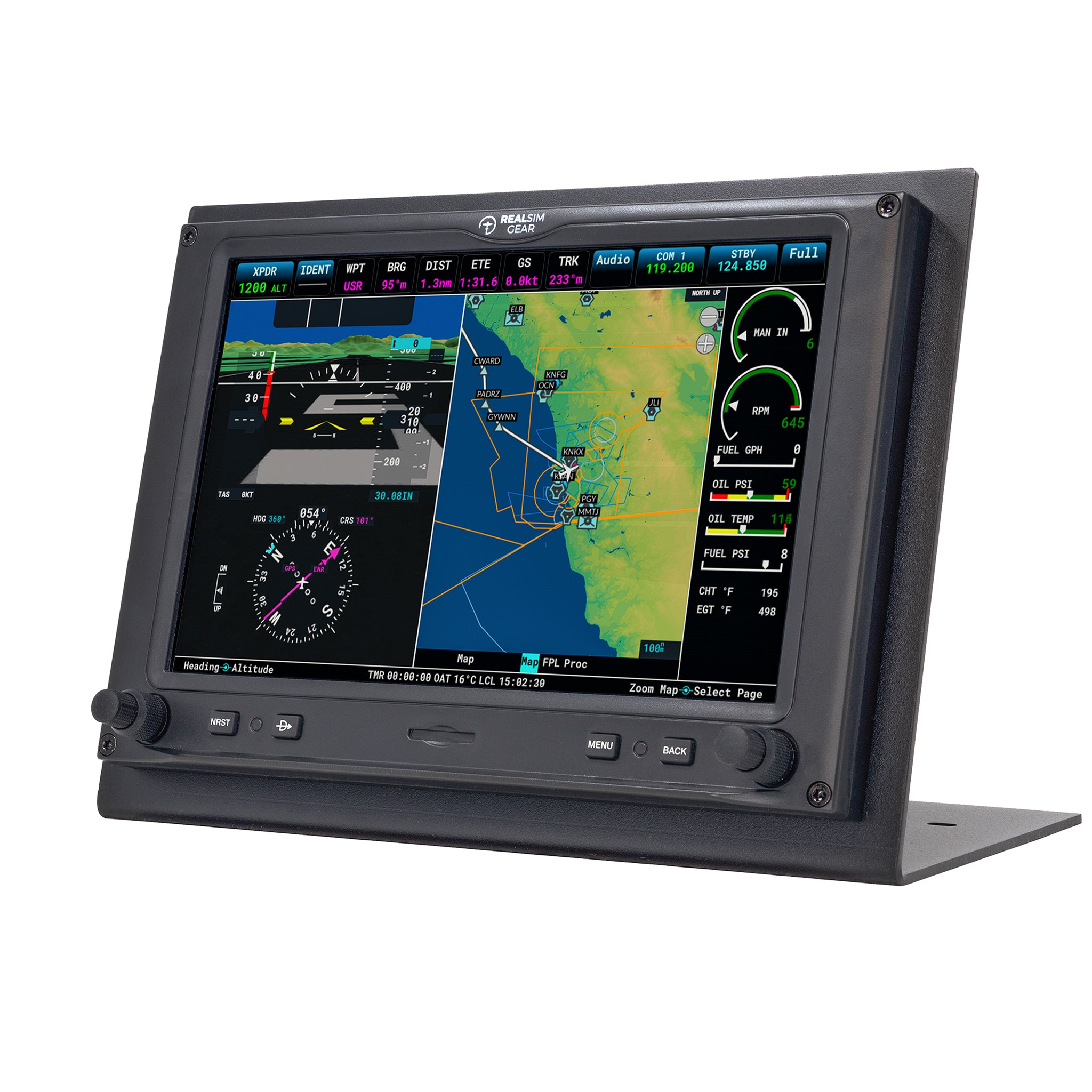
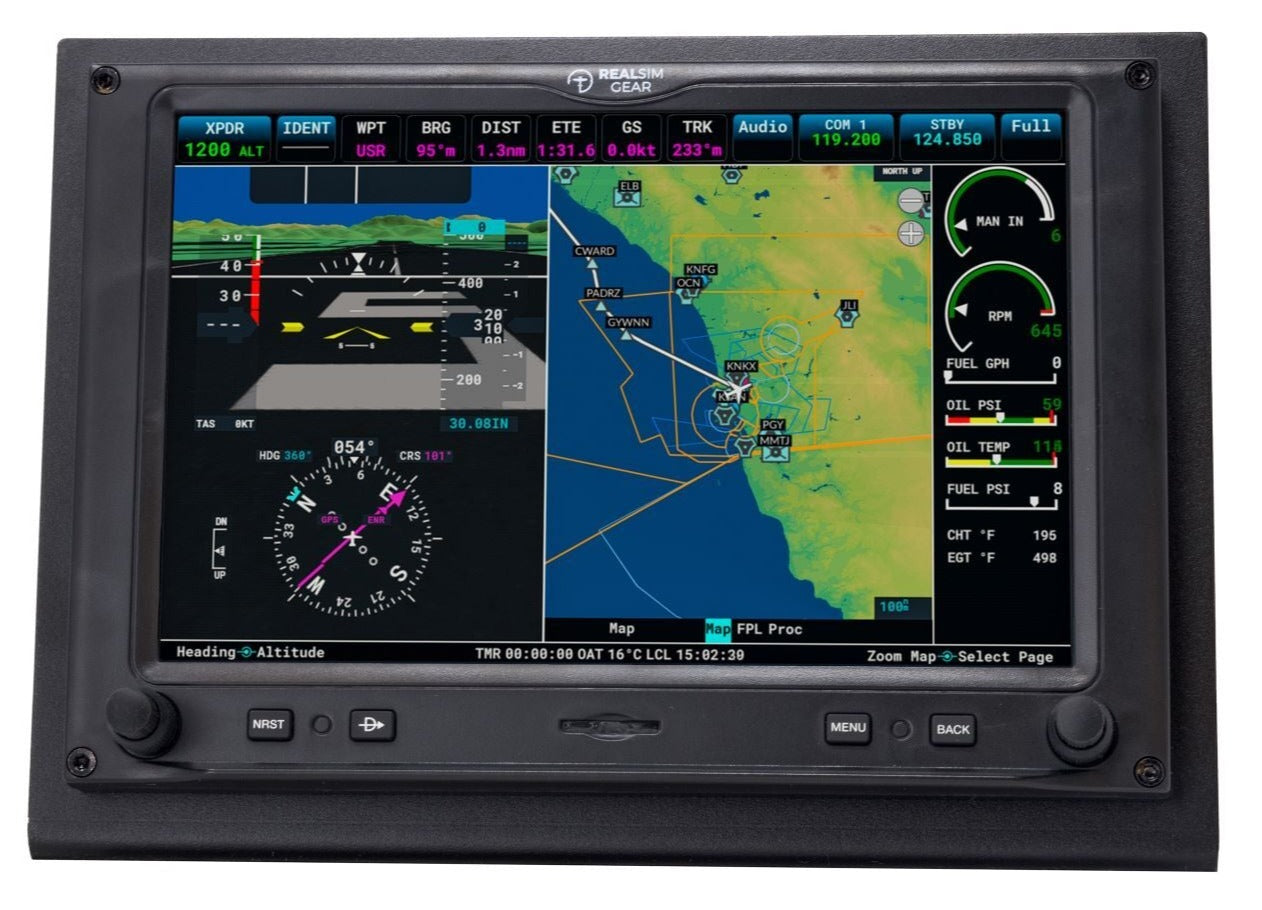
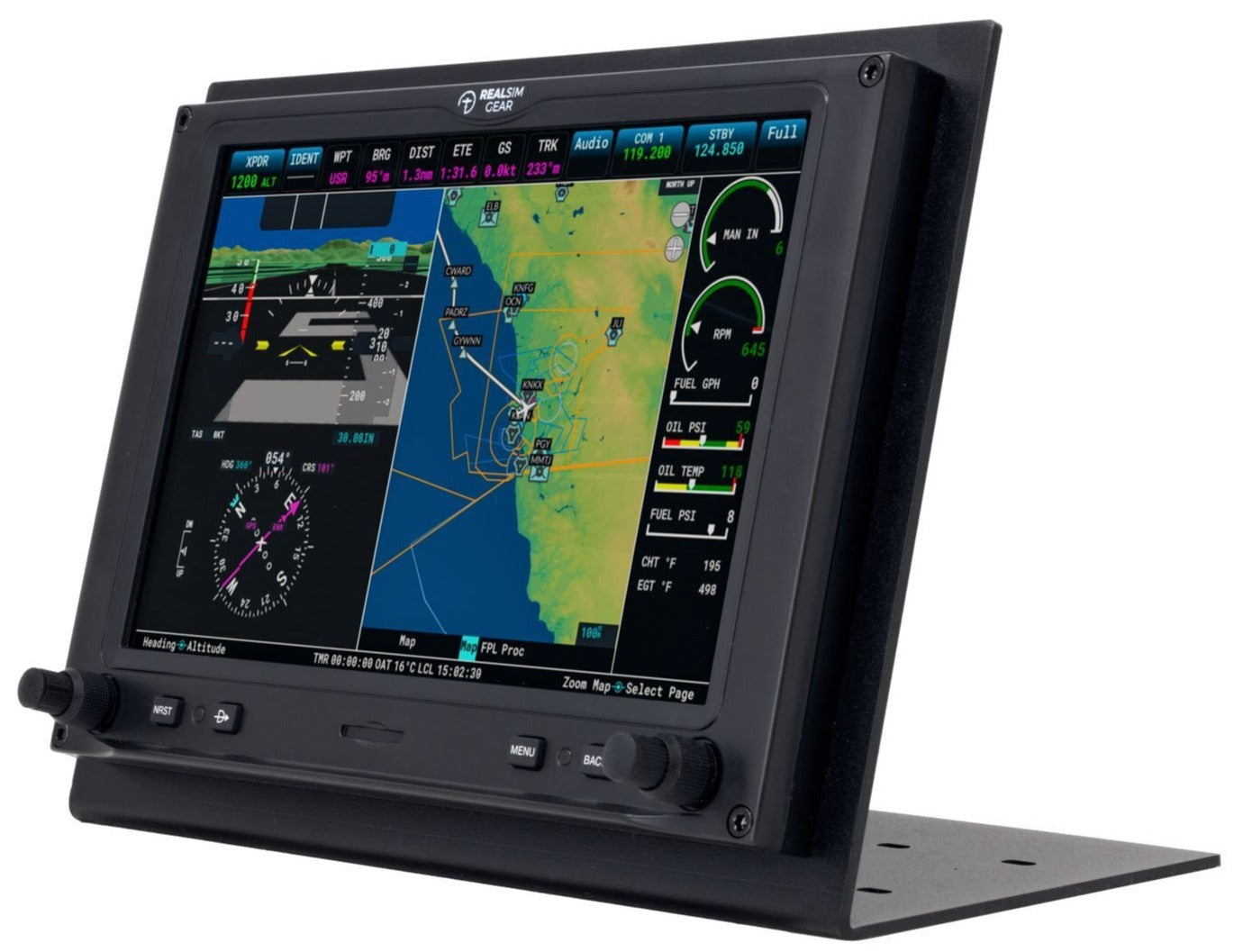
The RealSimGear G3X is an ultra realistic replica of the real Garmin G3X glass panel.  It features backlit rubber buttons with a very accurate tactile feel.  The high brightness screen has a wide view angle display with a built in capacitive touch screen.  The touch screen makes this product a great choice if you want to configure your simulator for a variety of different aircraft types.

    Compatibility

    Default Microsoft Flight Simulator G3X Equipped Aircraft:
    Cubcrafters XCub: Tailwheel, Skis, Floats
    Cubcrafters NXCub
    King Air 350
    JMB VL-3
    Volcicopter VeloCity
    DracoX (only available in Microsoft Flight Simulator 2024)

    Third Party G3X Aircraft:
    FlySimWare Sierra C24R
    Blacksqaure Velocty XL
    OrbX Blackwing BW635RG
    SimWorks Studios Vans RV14
    SimWorks Studios Vans RV10
    Parallel 42 Freedom Fox/Fox2 Series
    AirfoilLab Bristell B23
    BT Studio Kitfox STI (available from the MSFS Marketplace)
    FSReborn TL-Ultralight Sting S4

    Additional aircraft available may not be listed that utilize the G3X. If the aircraft of your choice utilizes a 10 inch landscape version of the G3X in MSFS, those aircraft will also be compatible with the RealSimGear G3X Display Unit.

    ** Touch-screen pop-outs require using the MSFS Popout Panel Manager software.

    In the Box

    G3X unit, including screen and all buttons
    USB cable
    Power Pack (110-240V, 12 volt, 2 amps)

    FAQs

    Please read our FAQs page to find out more.

    Is there any assembly required?

    No! This product is fully assembled and ready to go. There is nothing for you to buy, 3D print, solder. Each unit is built and tested before shipping.

    Is it difficult to setup?

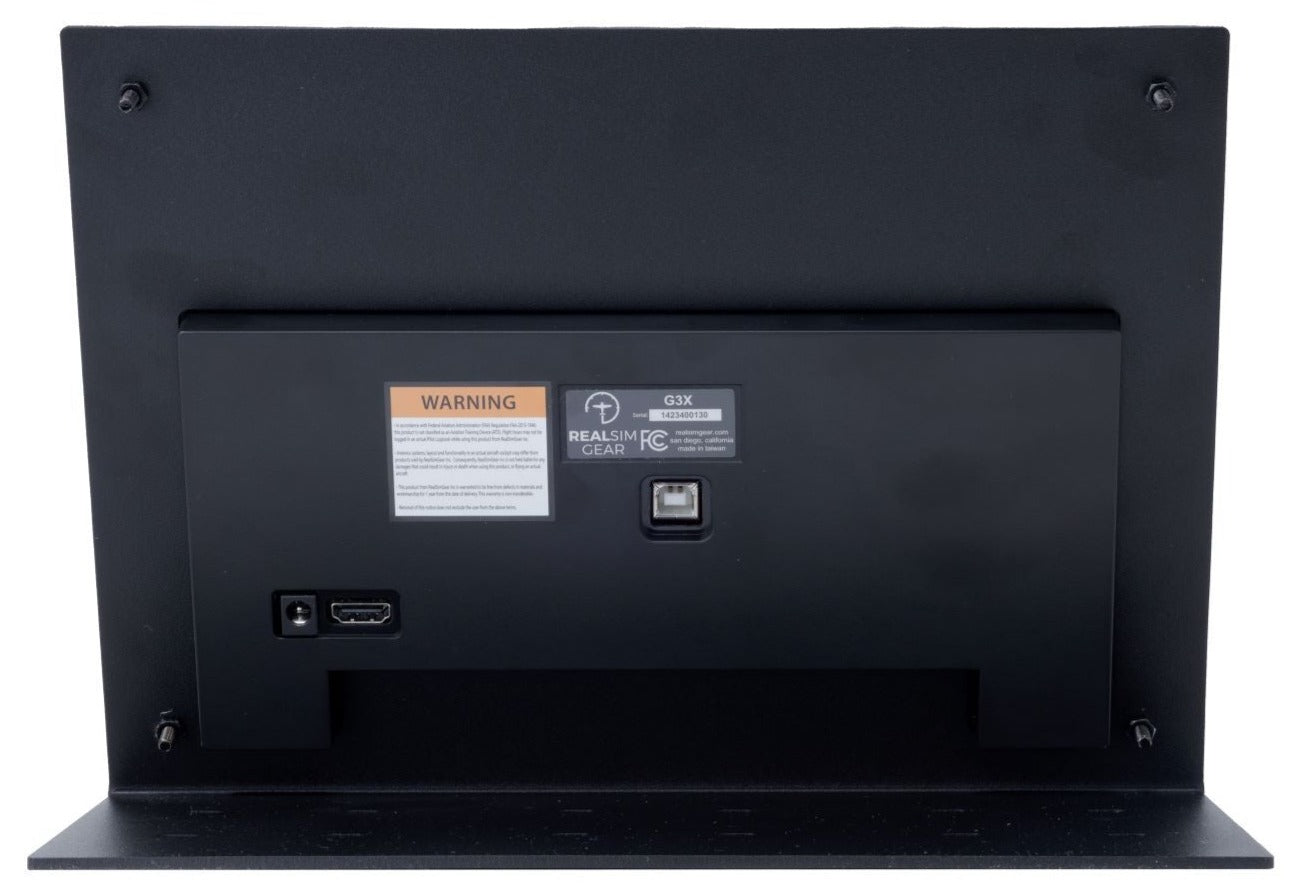
    No! All you have to do is install our plugin and configure the pop out GPS screen to appear on the RealSimGear product. Please note, we do not supply HDMI cables. You will need to source the appropriate cable based on the available ports you have on your computer.

    I don't have a spare HDMI port, will this work?

    Yes! You can connect to any available DisplayPort, DVI port or HDMI port. If you want to connect to a DisplayPort or DVI port you can use any DisplayPort or DVI to HDMI adapter to cable. These are readily available from Amazon, BestBuy or any electrical goods store. You will need your own HDMI cable, we do not supply HDMI cables.

    Does this work with Mac?

    RealSimGear products will work with Apple computer models using an Intel CPU. If your Mac uses an Apple M Series chip, RealSimGear products will not work with the system. RealSimGear is looking to address this in the future when development and support resources for this are available. Please note, touch screen products (GTN750 and GTN650) are available for Windows only.

    Didn’t find your answer?

    Don't hestitate to contact us