

RealSimGear Avidyne Entegra PFD/MFD Module
Pairs well with
X-Plane & MSFS Compatible
Ships in 1-2 days
Built For Daily Use
RealSimGear Avidyne Entegra PFD/MFD Module
If you have any questions, you are always welcome to contact us. We'll get back to you as soon as possible, within 24 hours on weekdays.
-
Shipping Information
Use this text to answer questions in as much detail as possible for your customers.
-
Customer Support
Use this text to answer questions in as much detail as possible for your customers.
-
FAQ’s
Use this text to answer questions in as much detail as possible for your customers.
-
Contact Us
Use this text to answer questions in as much detail as possible for your customers.
Product details
Description
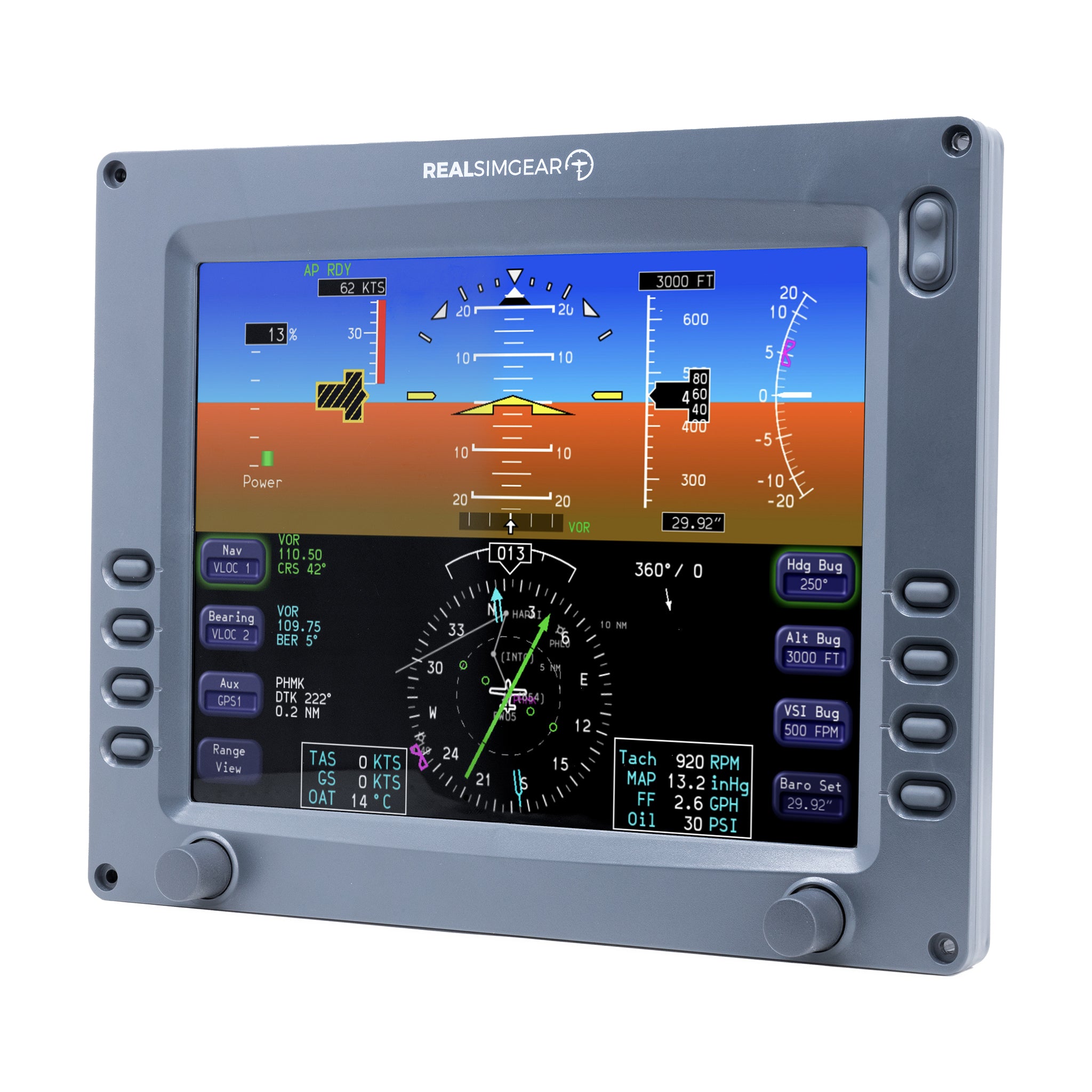
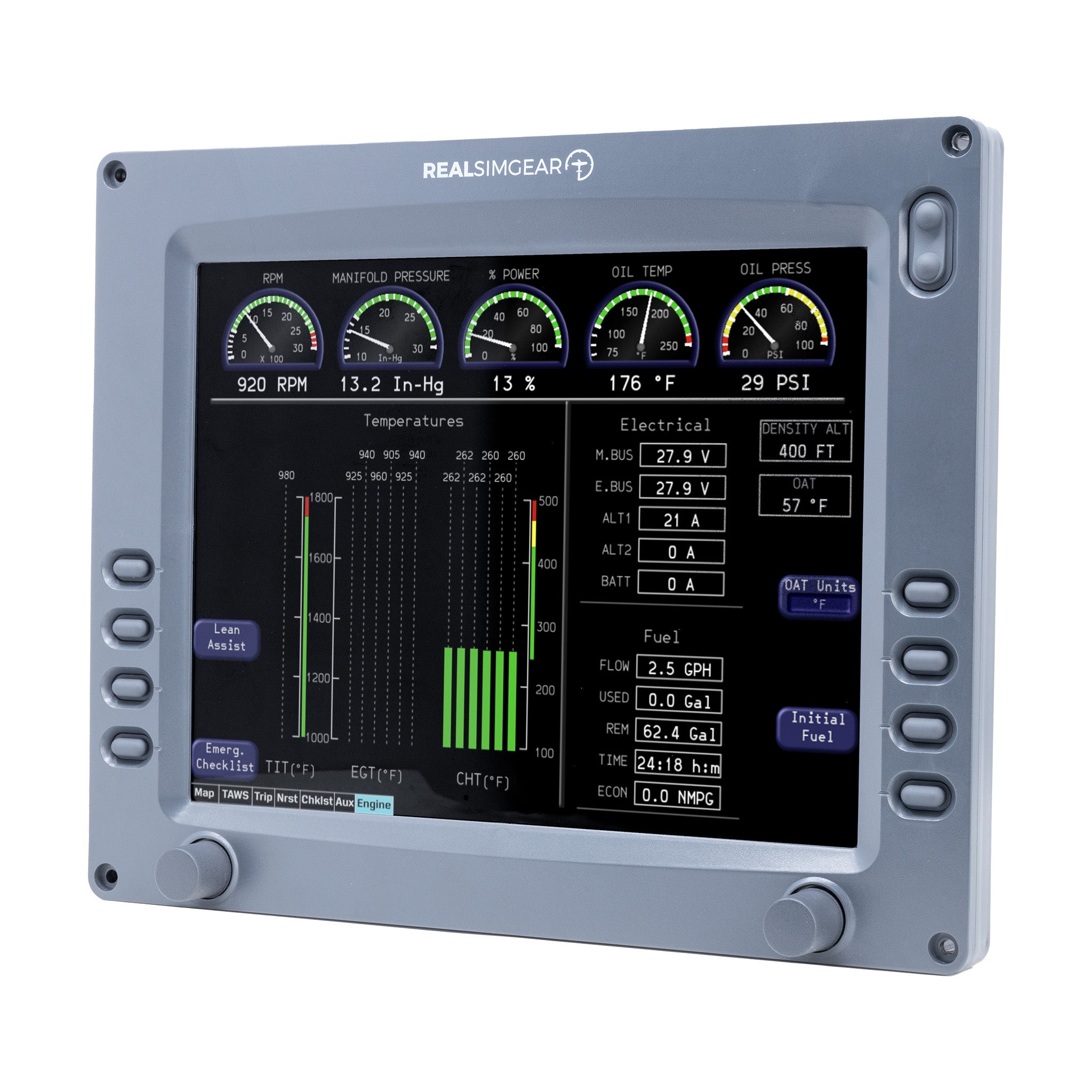
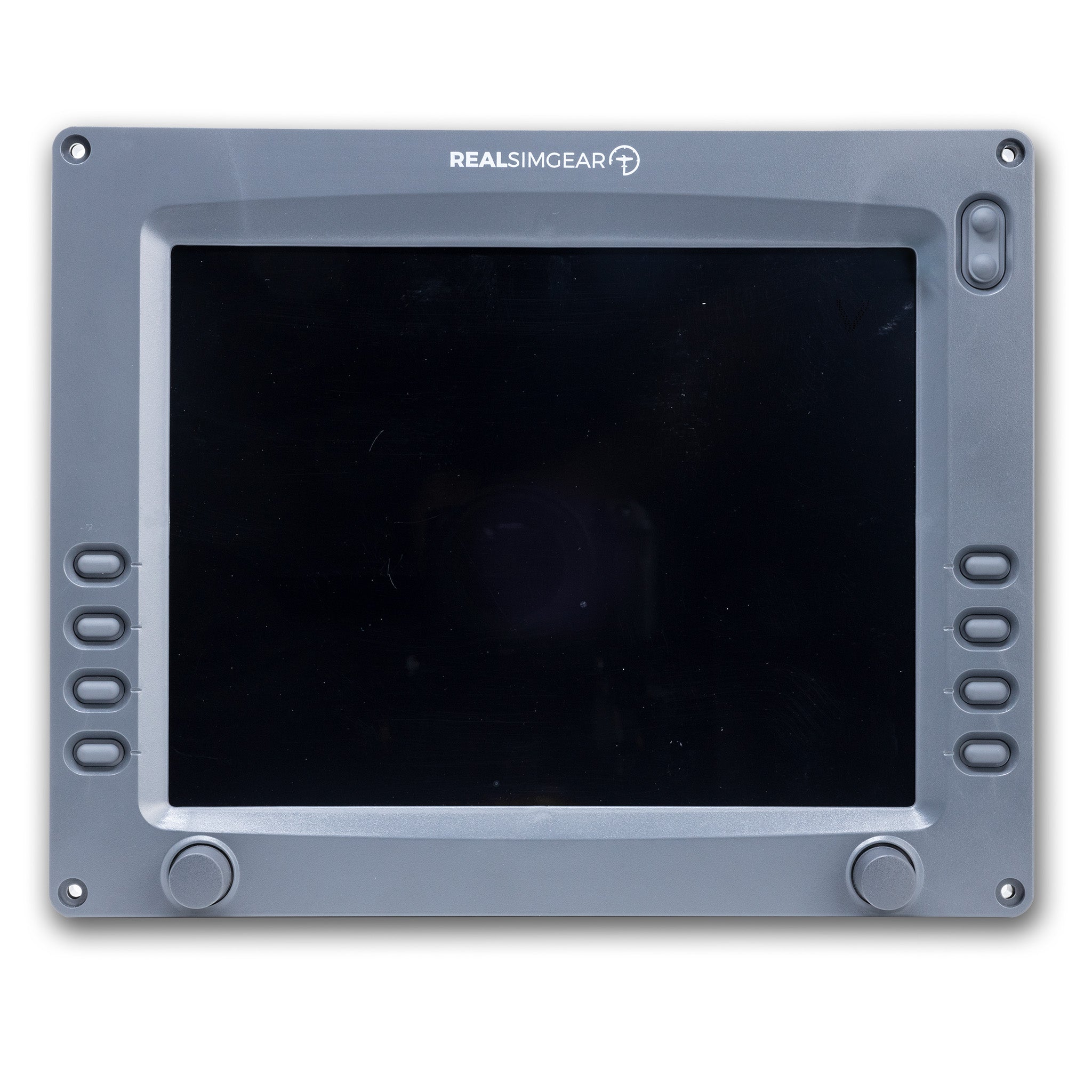
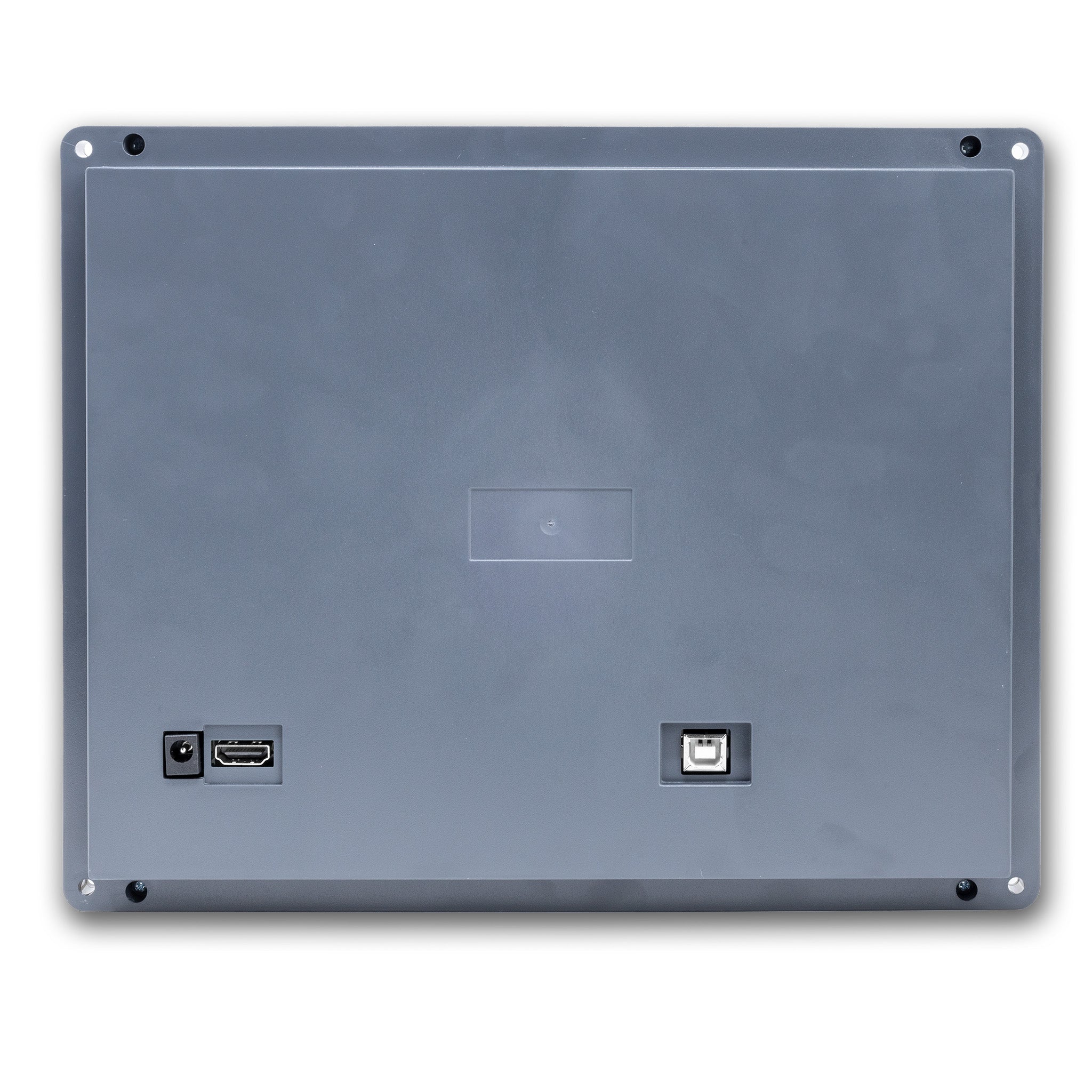
The RealSimGear® Avidyne Entegra PFD/MFD Module is a high quality replica of the Entegra PFD/MFD found in many early model G1/G2 Cirrus SR20 and SR22 aircraft. The unit features 8 high durability silicone buttons and 2 brightness adjust buttons, along with 2 push button knobs allowing you to control all of the Entegra menus and features. All buttons and knobs are fully backlit.
Product Features:
Replica Entegra controls: 8 high durability silicone buttons, 2 brightness adjust buttons, and 2 push button knobs to control all Entegra menus and features.
Fully backlit controls: All buttons and knobs are fully backlit.
Designed for TorqueSim Entegra aircraft: Designed to work with the RealSimGear / TorqueSim SR20 and SR22 Entegra Edition aircraft for X-Plane 11 or 12 (Windows only NO Mac support).
Most accurate simulation available: This is the highest quality, most accurate representation of the Entegra available for flight simulation.
Multiple GPS configurations supported: The system works with multiple GPS configurations, all supported with matching RealSimGear hardware and bracket configurations:
-
2x Default/RealityXP GNS 430
-
1x RealityXP GTN 750 + RealityXP GTN 650
-
2x RealityXP GTN 650
(RealityXP Avionics sold separately)
High brightness IPS display: Features a 10.4" high brightness, wide view angle IPS display at 1024x768 resolution.
Compatibility
In the Box
FAQs
Please read our FAQs page to find out more.