

Product details

Description

New updated design.

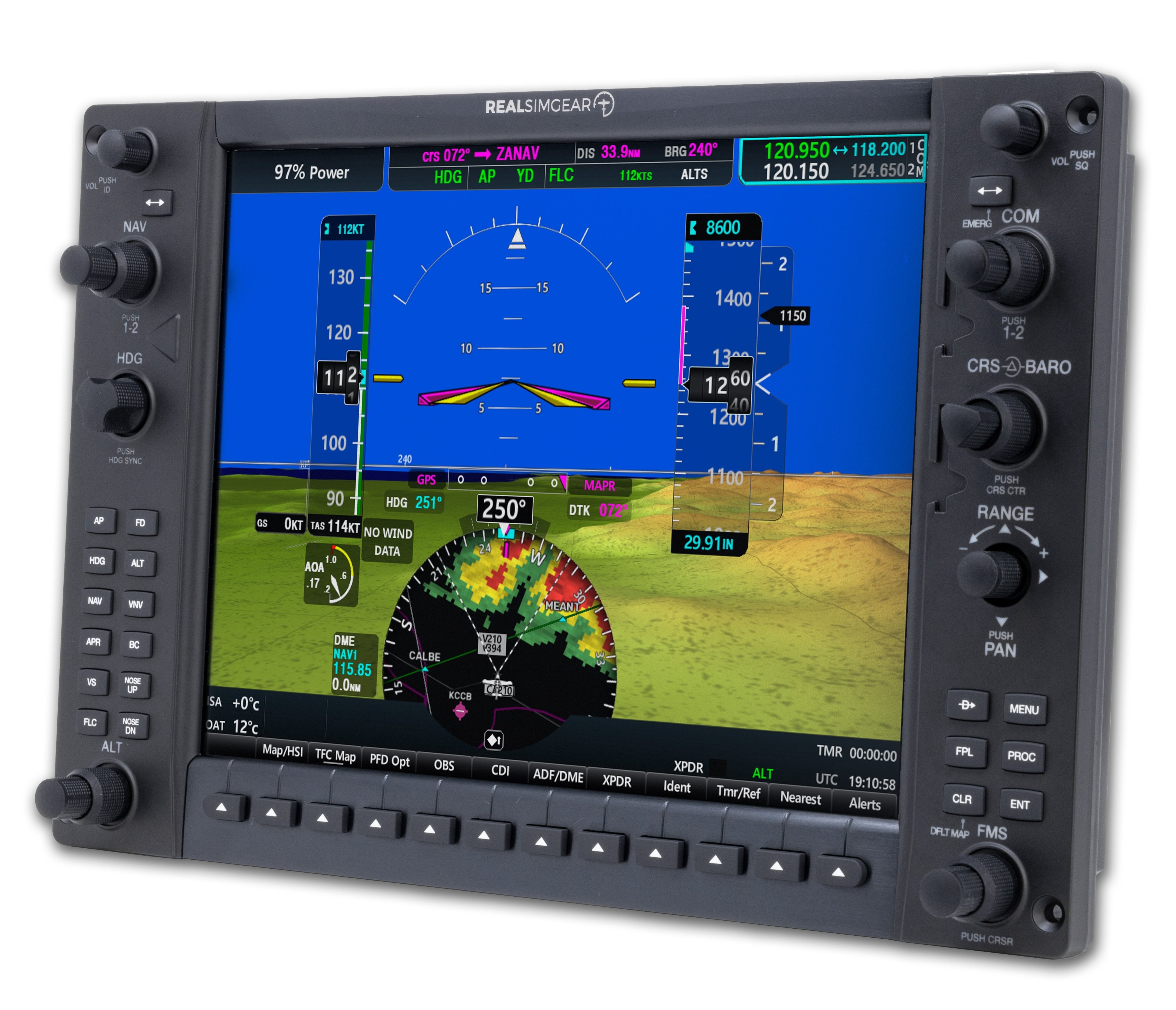
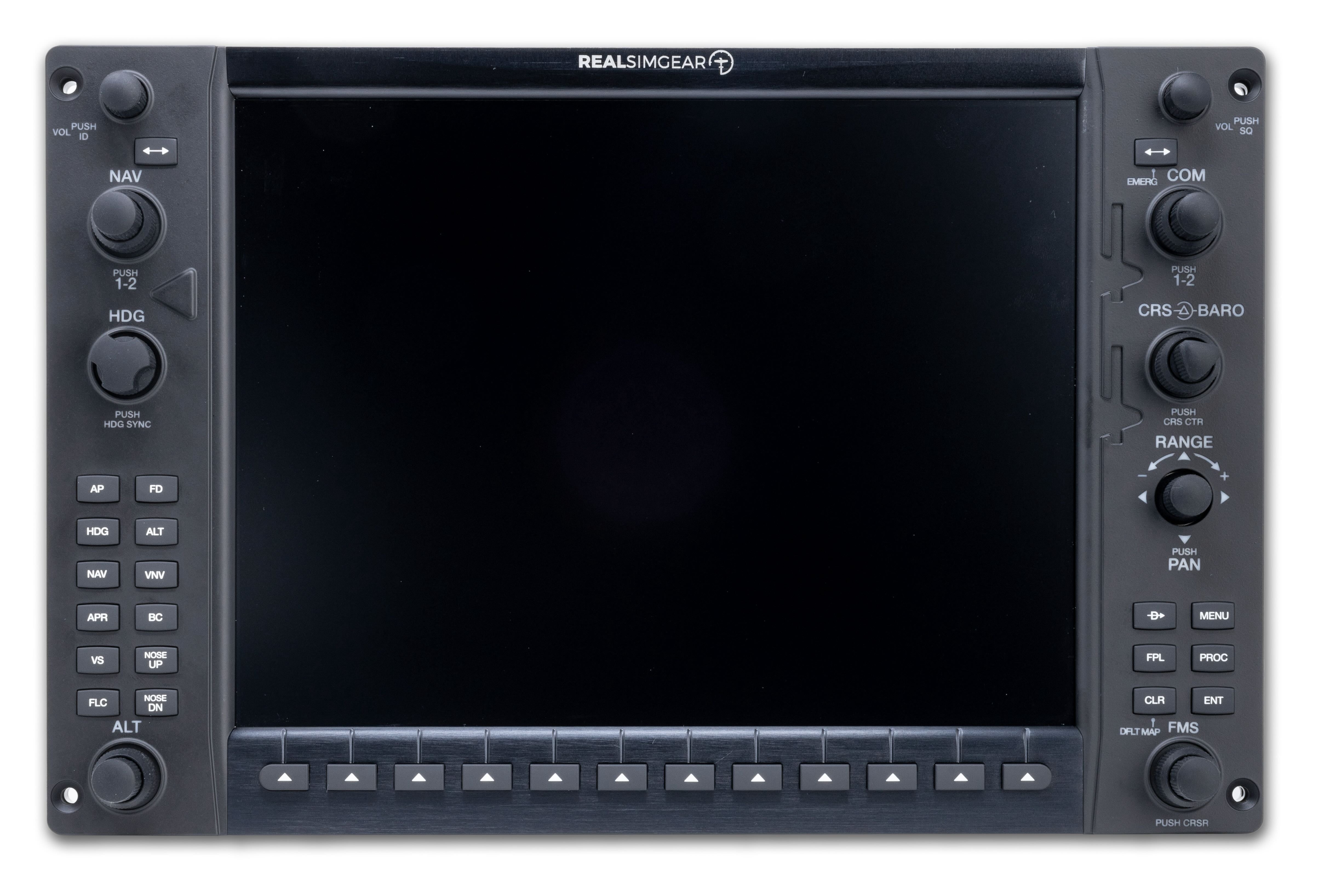
The G1000 XFD Premium builds on the standard XFD design with hardware enhancements that bring it closer to the look and feel of real Garmin avionics. A higher-resolution LCD improves text clarity, symbology, and map readability, while upgraded Garmin-style rotary encoders provide more precise, tactile input during operation.

Finished with a premium metal bezel, the XFD Premium delivers a more realistic, cockpit-grade feel when integrated into a G1000 simulator setup. Designed to pair seamlessly with RealSimGear G1000 PFD and MFD modules, it adds display flexibility for engine, systems, or supplemental flight data in advanced home cockpits, training devices, and custom simulator installations.

    Compatibility

    • Avionics System: Garmin G1000–based simulation environments
    • Software Compatibility: RealSimGear G1000NXi avionics software
    • Simulation Platform: X-Plane–based G1000 aircraft and configurations
    • Hardware Integration: Designed to pair with RealSimGear G1000 PFD and MFD modules
    • Display Type: High-resolution LCD (Premium model)
    • Controls: Garmin-style rotary encoders
    • Bezel: CNC-machined metal bezel
    • Mounting: Can be mounted in G1000 Desktop Stand (Sold Separately)
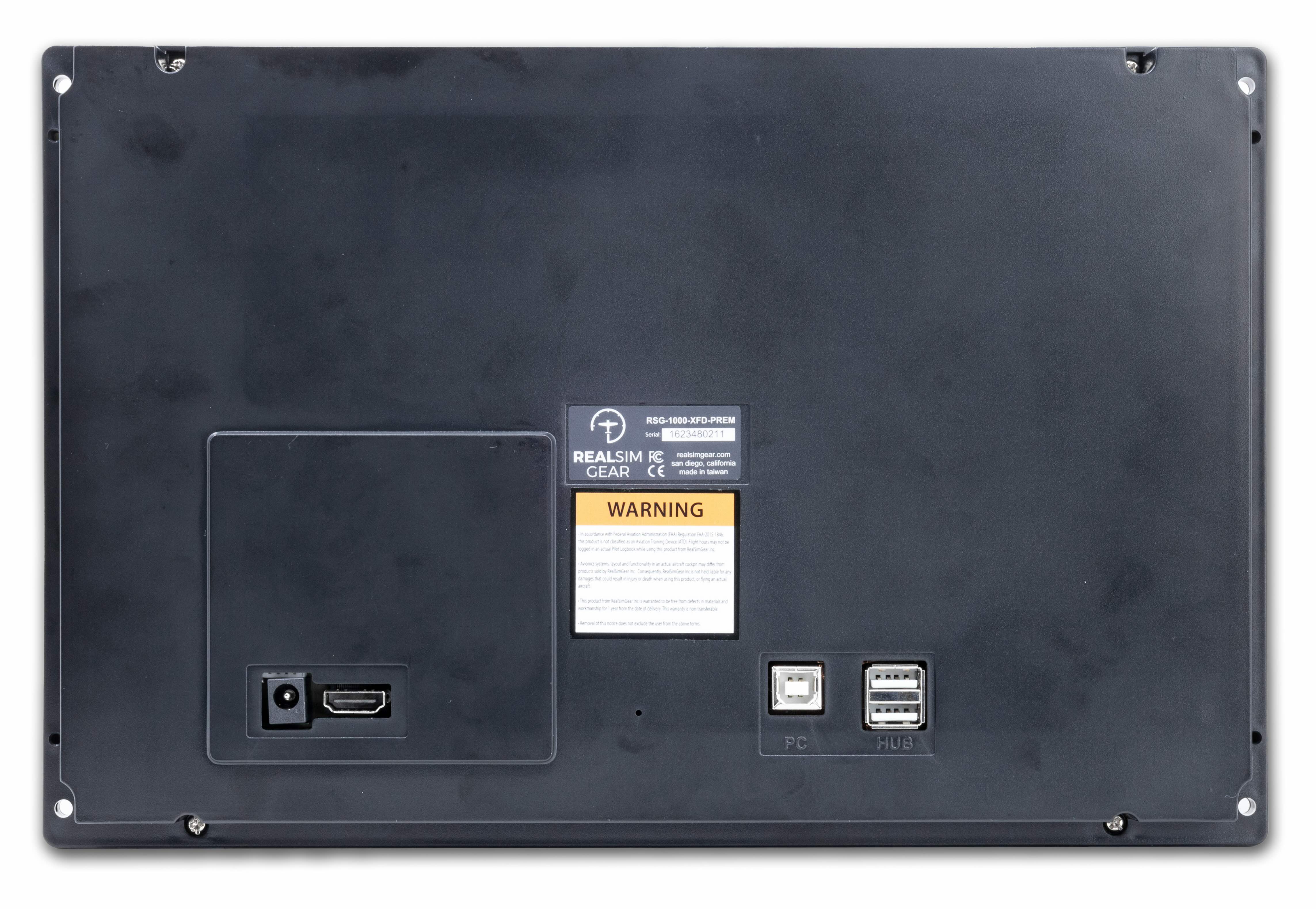
    • Connectivity: USB
    In the Box

    • RealSimGear G1000 XFD Premium display module
    • USB connection cable
    • Mounting hardware
    • Quick start and installation documentation

    Note:  The RealSimGear G1000NXi does not contain internal avionics. The avionics displayed will be provided by either the default X-Plane G1000 simulation, RealSimGear Perspective+ Software, RealSimGear NXi Software or the Microsoft Flight Simulator 2024 default NXi simulation. 

    Note: HDMI cables are not included with this product. You will need to purchase 1x HDMI cables that match the ports available on your PC.

    FAQs

    Please read our FAQs page to find out more.

    Is it difficult to setup?

    No! All you have to do is install our plugin and configure the pop out GPS screen to appear on the RealSimGear product. Please note, we do not supply HDMI cables. You will need to source the appropriate cable based on the available ports you have on your computer.

    Is there any assembly required?

    No! This product is fully assembled and ready to go. There is nothing for you to buy, 3D print, solder. Each unit is built and tested before shipping.

    I don't have a spare HDMI port, will this work?

    Yes! You can connect to any available DisplayPort, DVI port or HDMI port. If you want to connect to a DisplayPort or DVI port you can use any DisplayPort or DVI to HDMI adapter to cable. These are readily available from Amazon, BestBuy or any electrical goods store. You will need your own HDMI cable, we do not supply HDMI cables.

    Does this work with Mac?

    RealSimGear products will work with Apple computer models using an Intel CPU. If your Mac uses an Apple M Series chip, RealSimGear products will not work with the system. RealSimGear is looking to address this in the future when development and support resources for this are available. Please note, touch screen products (GTN750 and GTN650) are available for Windows only.

    Didn’t find your answer?

    Don't hestitate to contact us