

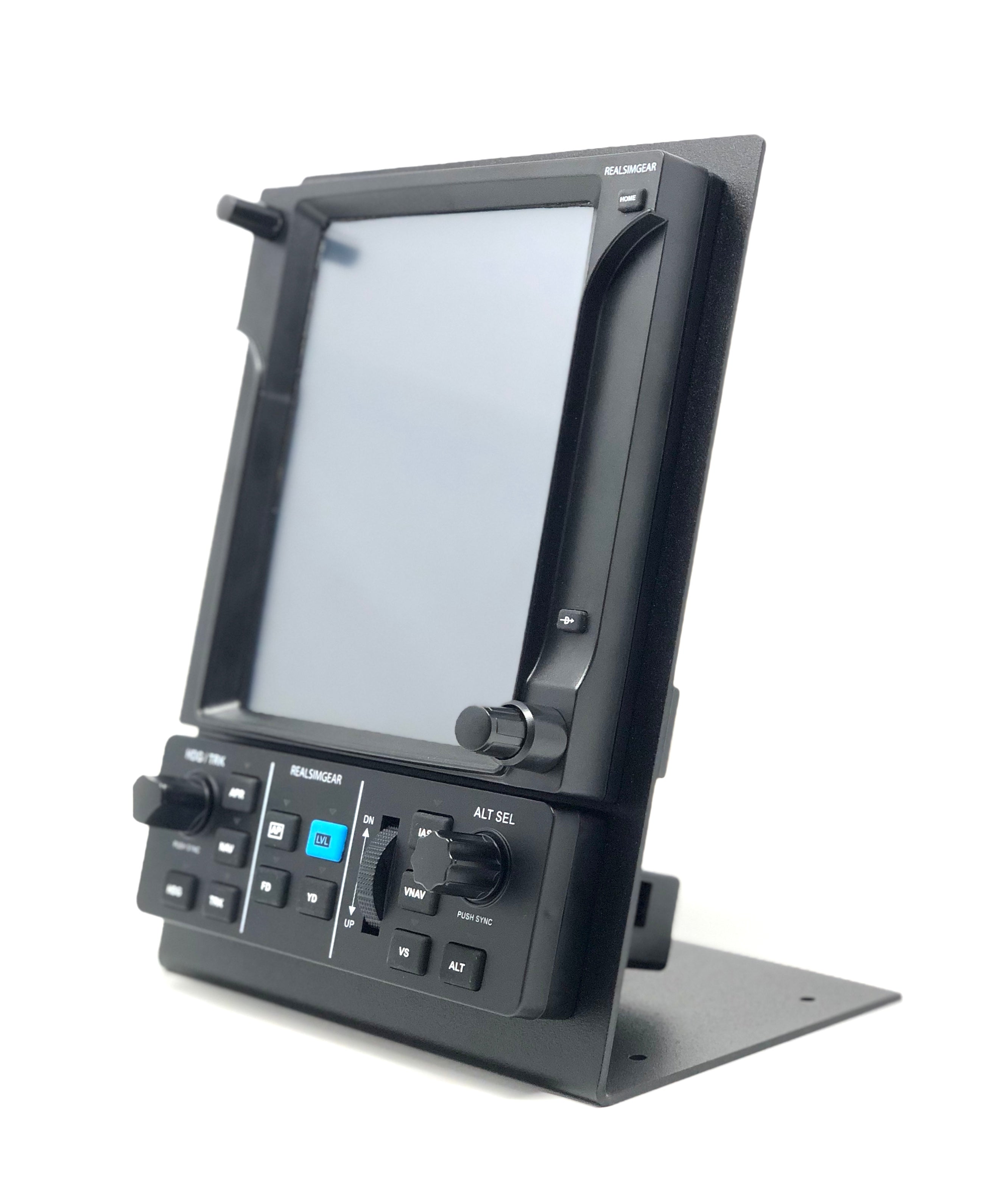
RealSimGear GTN750 and GFC500 Bundle
Pairs well with
RealSimGear GTN750 and GFC500 Bundle
Trusted By Over 30 Cirrus Training Centers






If you have any questions, you are always welcome to contact us. We'll get back to you as soon as possible, within 24 hours on weekdays.
-
Shipping Information
Use this text to answer questions in as much detail as possible for your customers.
-
Customer Support
Use this text to answer questions in as much detail as possible for your customers.
-
FAQ’s
Use this text to answer questions in as much detail as possible for your customers.
-
Contact Us
Use this text to answer questions in as much detail as possible for your customers.
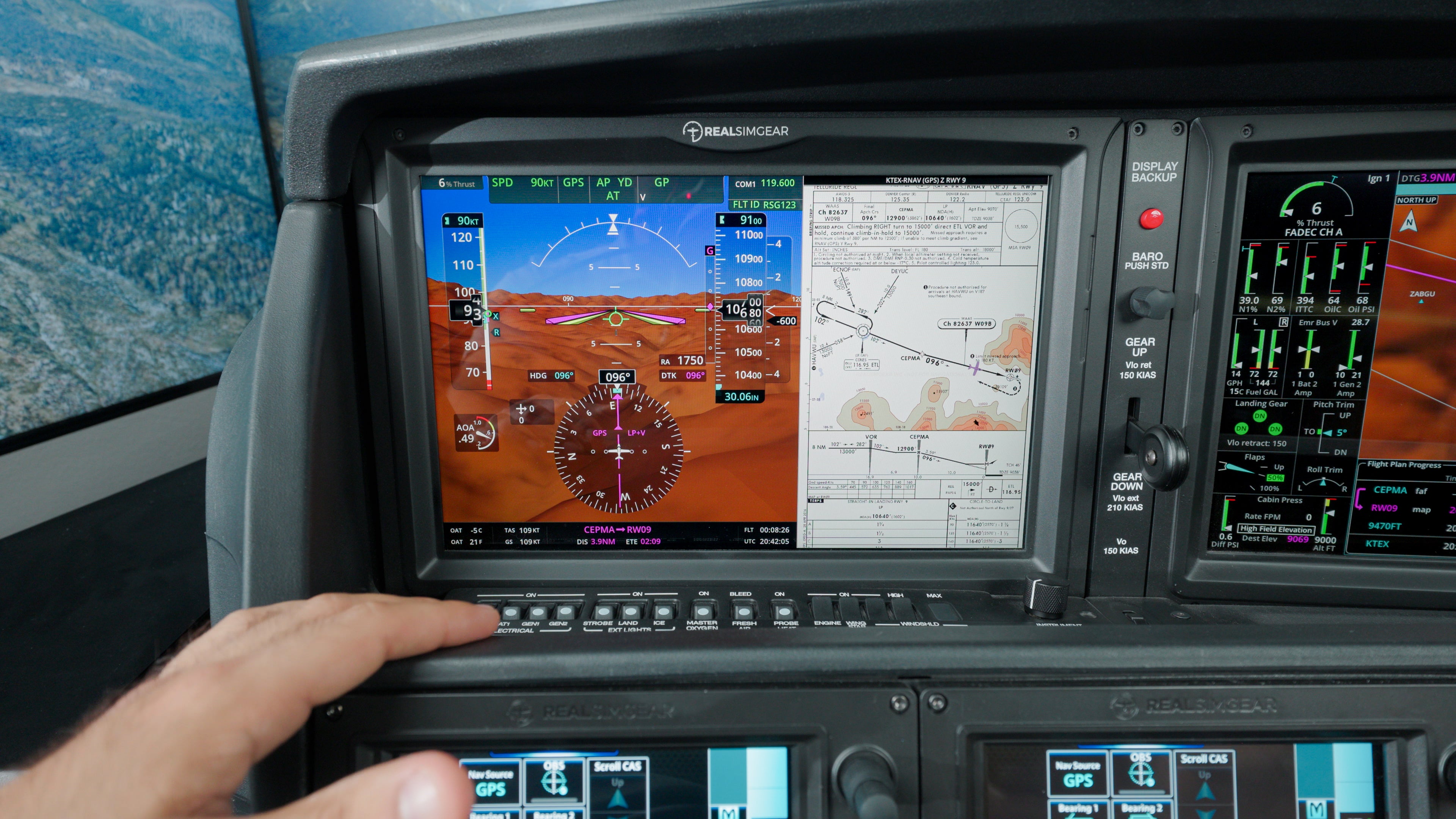
Jeppesen Worldwide Chartview
RealSimGear is proud to offer Jeppesen Navigation Databases and Charts specifically formatted to work with our simulator systems. Get the advantage of using the exact same Jeppesen data and charts that you use in your aircraft.
* This is a yearly subscription that will auto-charge your credit card on file every year. Cancel anytime before renewal.
** This subscription is for personal use. For a business subscription choose THIS product.
Compatible Systems


What Our Customers Say
Real feedback from real customers

Amazing Customer Service! I've been very happy with my sim but I've been truly blown away by the customer service. They immediately respond to any issue I've had and fix it remotely so that it never happens again. This team has your back and that's very hard to find. Top notch!
Jason From Learn The Finer Points

As a business owner, I strive to make sure my associates are providing the best service we can so it's remembered at least for future business. After updating my sim, I've had an outstanding experience with the team @ RealSimGear, especially when it comes to their customer and technical support. Even long after my purchase, their team has continued to provide prompt, knowledgeable, and genuinely helpful assistance whenever I've had questions or needed support. (Shout out to Josh for his help) It's rare these days to find a company that stands behind its products well beyond the sale, but RealSimGear absolutely does. Their commitment to customers, professionalism, and willingness to help has made owning their equipment an even better experience. Highly recommended for both the quality of their products and the exceptional support behind them. Thank you again!
Ron K.

Best Yoke Experience I’ve Had Been using sim controls for 15+ years, and this Cirrus force feedback setup seriously levels things up. The yoke feels almost exactly like the real ones in Cirrus, super smooth and realistic. Makes the whole flying experience way more immersive. Definitely recommend it if you’re into flight sims.
Ed P.